






Spare computer gear for old neighbour?
Hi all,
my old neighbour (whom I'm looking after a bit) has her birthday at the beginning of October, and I want to make it a bit memorable - I don't think she had a proper birthday in a very long time.
I will bake one of my breads (see picture below) for her and bring a bit of a spread, but I also want to set her up with a computer system so she can watch some movies (I have DVDs that I can lend her), listen to music, might be able to get internet at some point and stay in contact with her friends and especially her sons in Wellington a bit better.
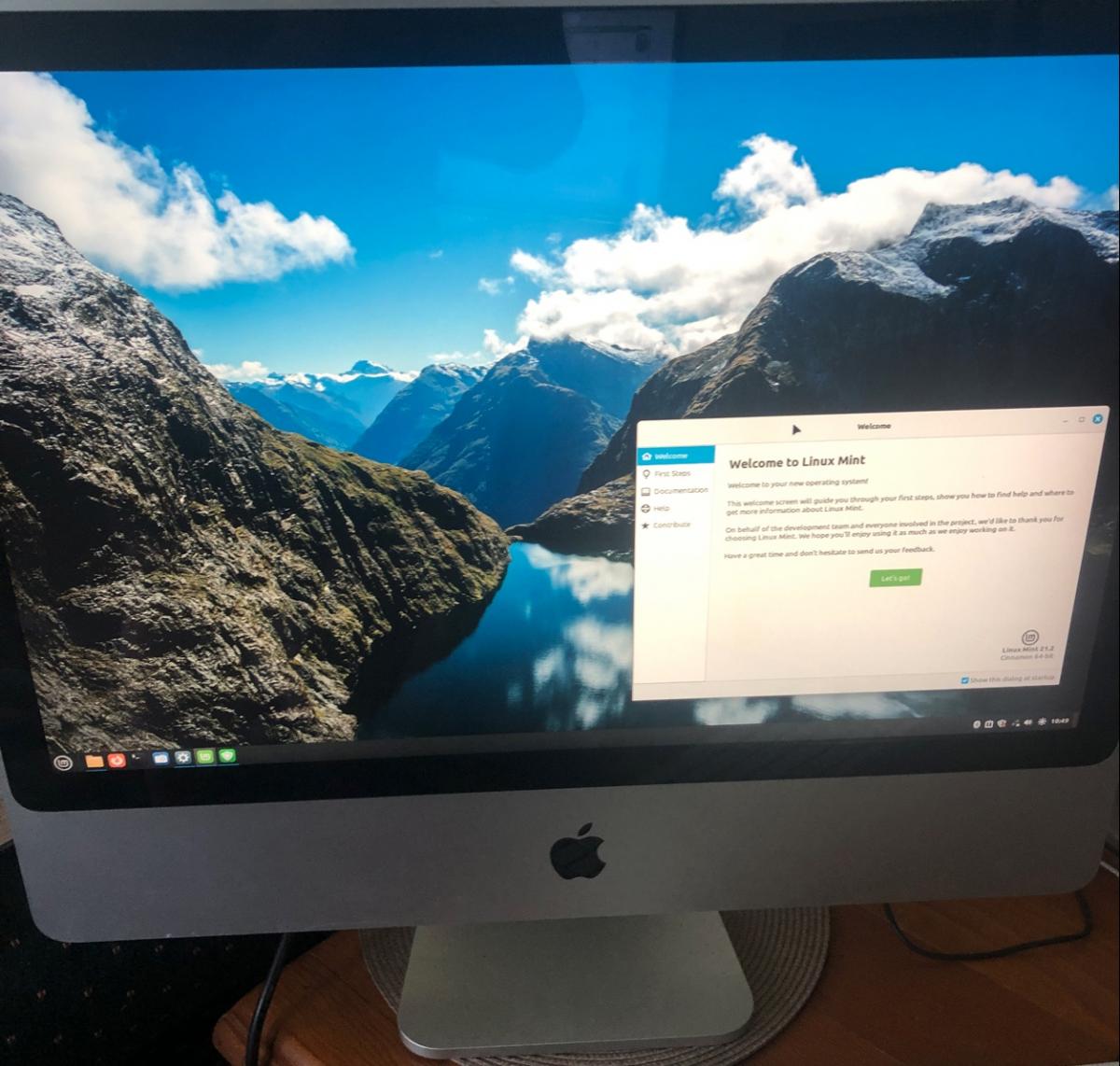
I managed to buy (sight unseen) an old 24in Core2Duo iMac from 2007 (that can't run the latest Mac or Windows system software any more so wouldn't be secure) very cheaply as it was considered defect. Turns out that everything works fine, it just needed a clean (especially behind the protective glass in front of the screen) and a new system installed, and as a bonus it unexpectedly had its memory upgraded to 4 GB of RAM (the still original 320 GB HD isn't big but should do).
I installed the latest Linux Mint (which IS secure) as it is specifically geared towards desktop users (so even has commercial multimedia codecs that other Linux distributions don't have) and has low system requirements (eg 1 GB of RAM even with a really nice desktop) - and after less than 1 hour (incl googling how do do some things) everything is done and it runs very fast indeed. I'm quite impressed.
What I don't have is a spare USB keyboard and mouse for it. So if anyone has some old ones around that they no longer need (Apple would be ideal but PC ones will do) then I would appreciate them for my neighbour.
Other things she could need:
If you happen to have an old external 250 or 500 GB hard disc for backups then that would be fantastic - I always feel uncomfortable when people don't have backups of their data as computers can be replaced … your data though - which is the important thing - would be lost when the hard disc dies.
And if you feel REALLY charitable and have an old-style 2.5in 250 GB SATA SSD that you would be happy to donate then I would dare go inside the iMac, replace the hard disc (which is a bit a pig of a job, but I have done that before), and redo the installation of everything.
A small USB stick to bring official letters in pdf form (to me or the library?) for printing out or sending off (until she has internet herself) would also be useful … 1 GB should be plenty. Companies used to give them away, so maybe you have an old one somewhere?
Thanks in advance.
Markus
P.S. One more thing: I can no longer drive for medical reasons (occasional dizzy spells) so unless you are close by would not be able to pick something up. But we are opposite Green Bay High School, so if you happen to come past and could drop it off that would be fantastic.


Some Choice News!
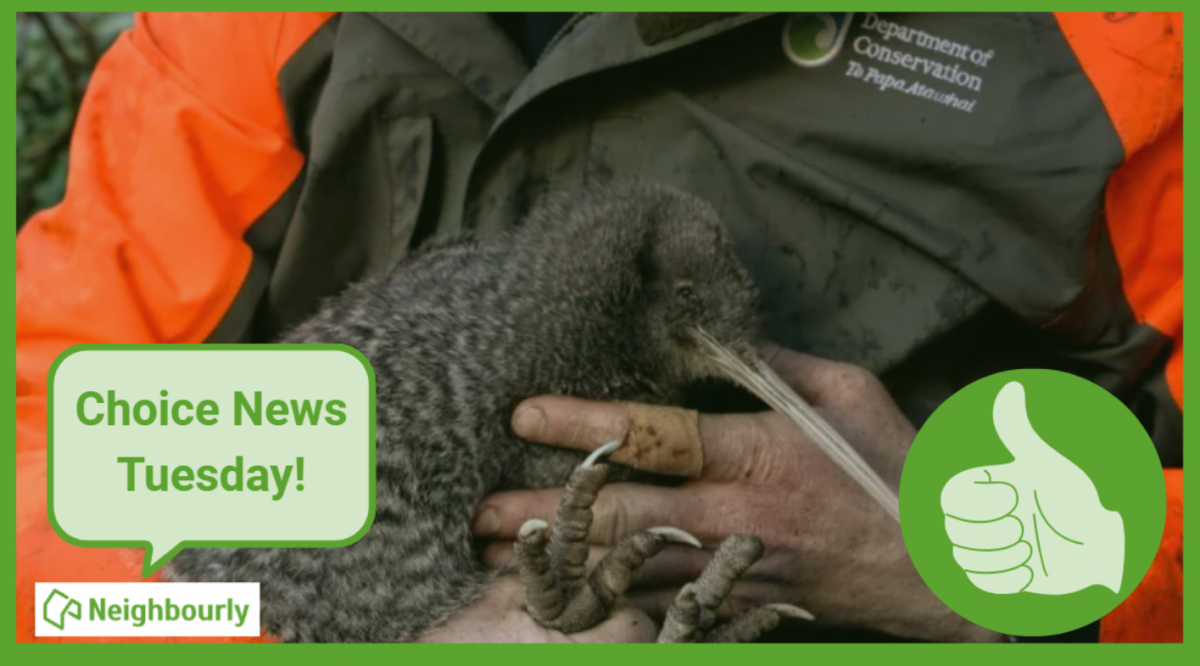
DOC is rolling out a new tool to help figure out what to tackle first when it comes to protecting our threatened species and the things putting them at risk.
Why does this matter? As Nikki Macdonald from The Post points out, we’re a country with around 4,400 threatened species. With limited time and funding, conservation has always meant making tough calls about what gets attention first.
For the first time, DOC has put real numbers around what it would take to do everything needed to properly safeguard our unique natural environment. The new BioInvest tool shows the scale of the challenge: 310,177 actions across 28,007 sites.
Now that we can see the full picture, it brings the big question into focus: how much do we, as Kiwis, truly value protecting nature — and what are we prepared to invest to make it happen?
We hope this brings a smile!

🎉 Riddle me this, legends! 🎉
He/She who makes it, sells it.
He/She who buys it, doesn't use it.
The user doesn't know they are using it.
What is it?
(Shezz from Ngāruawāhia kindly provided this head-scratcher ... thanks, Shezz!)
Do you think you know the answer? Simply 'Like' this post if you know the answer and the big reveal will be posted in the comments at 2pm on the day!
Want to stop seeing these in your newsfeed?
Head here and hover on the Following button on the top right of the page (and it will show Unfollow) and then click it. If it is giving you the option to Follow, then you've successfully unfollowed the Riddles page.

Scam Alert: Bank cold calls
ASB is warning customers about reports of cold calls from scammers claiming to be from ASB. These scammers are trying to obtain personal information, including usernames, dates of birth, and verification codes sent to your mobile phone.
🛡️ The "Caller Check" Test
If you get a call from someone claiming to be from ASB and you’re unsure, just ask them for a Caller Check. You will then be able to verify the call through the app.
Remember, banks will:
❌ Never ask for your banking passwords, PINs, or verification codes
❌ Never need to know your full credit card number – especially the CVC
❌ Never ask you to download software or remotely access your device
❌ Never ask you to purchase gift cards or transfer funds.
If you have received a phone call and think your account has been compromised, call ASB on 0800 ASB FRAUD (0800 272 372), or visit your local branch.
 Loading…