





Neighbourly 101: Posting an image
Kia ora, neighbours!
When scrolling through the newsfeed what catches your eye? Chances are it's a colourful, striking image filled with all things Neighbourly. They say a picture tells a thousand words, so use your image-ination and show your neighbours. To create an outstanding post, follow these simple steps:
1. At the top of your newsfeed click ‘Post a message, event, poll or urgent alert to neighbours’
2. Add a subject and message
3. Select ‘attach an image or document' and choose an image from your device
4. Choose a category for your message
5. Click Post to share it with your neighbourhood
For more info, click here.




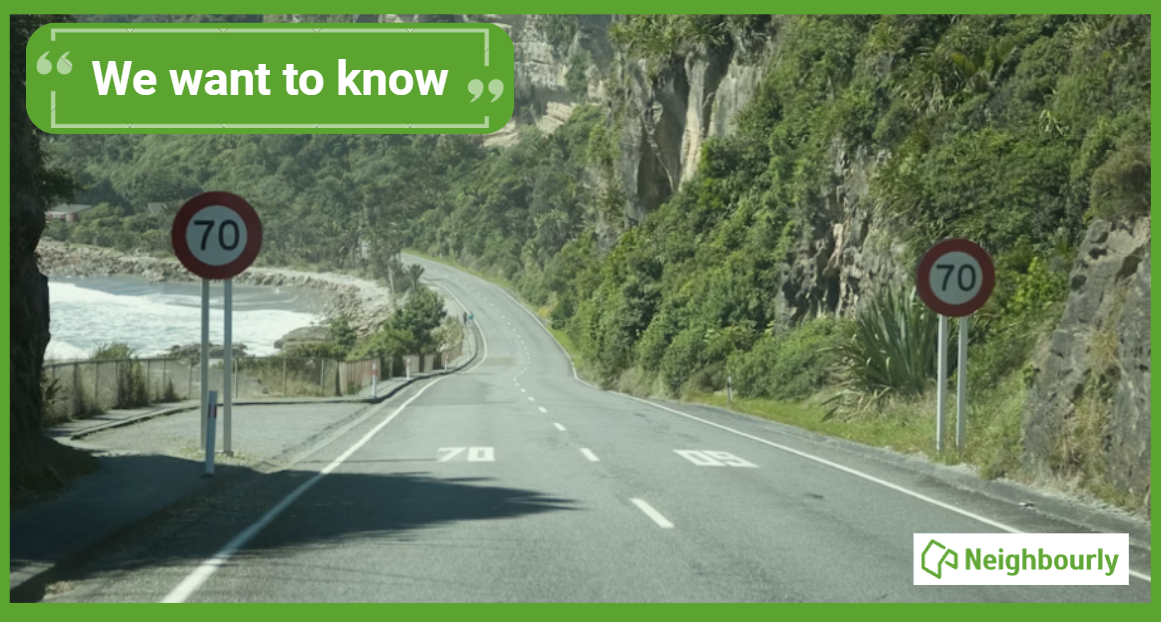
Poll: If we want to reduce speeding, what do you think actually changes driver behaviour? 🛻🚨🚓
In the Post's article on speeding penalties, the question is asked whether speeding fines are truly about road safety, or are they just a way to boost revenue for the Crown?
What do you think? Should speeding motorists receive speeding fines or demerit points?
-
32.6% The sting of a fine (Money talks!)
-
67.4% The threat of demerit points (Nobody wants to lose their license!)
 Loading…