





Neighbourly 101: Posting an image
Kia ora, neighbours!
When scrolling through the newsfeed what catches your eye? Chances are it's a colourful, striking image filled with all things Neighbourly. They say a picture tells a thousand words, so use your image-ination and show your neighbours. To create an outstanding post, follow these simple steps:
1. At the top of your newsfeed click ‘Post a message, event, poll or urgent alert to neighbours’
2. Add a subject and message
3. Select ‘attach an image or document' and choose an image from your device
4. Choose a category for your message
5. Click Post to share it with your neighbourhood
For more info, click here.

Poll: Is it ok to regift something that you have been given?
🎁 Holiday Gift Chat!
Do you ever regift?
What’s your take on asking for a receipt if a gift doesn’t fit?

-
79.8% Yes! It's better to regift what I don't need
-
20.2% No. It's the thought and effort that matters

🐾🎁🌲Our Christmas and New Year Opening Hours🐾🎁🌲
🌲25th December Thursday: Closed
🌲26th December Friday: Closed
🩺27th December Saturday- Open (Papatoetoe clinic) 9am - 3pm
🎉28th December Sunday: Closed
🩺29th, 30th and 31st December: Open 8am -6pm (both clinics)
🎉1st January Thursday: Closed
🎉2nd January Friday: Closed
🩺3rd January Saturday and Onwards: Normal Trading Hours for both clinics: 8am to 6pm Weekdays and 9am to 3pm Saturday (Papatoetoe )

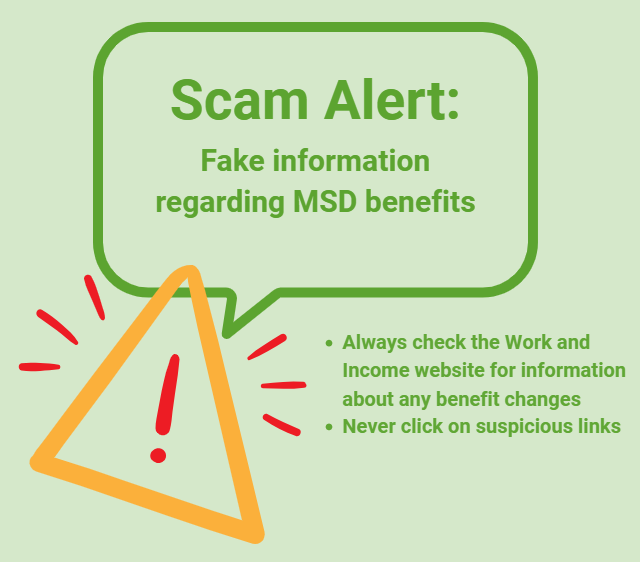
Scam Alert: Fake information regarding December Bonuses from MSD
The Ministry of Social Development is reporting that fake information is circulating about new ‘December bonuses’ or ‘benefit increases’
If you get suspicious communication, please contact Netsafe.
 Loading…