




Neighbourly New Year Tip #3 - Find your filters
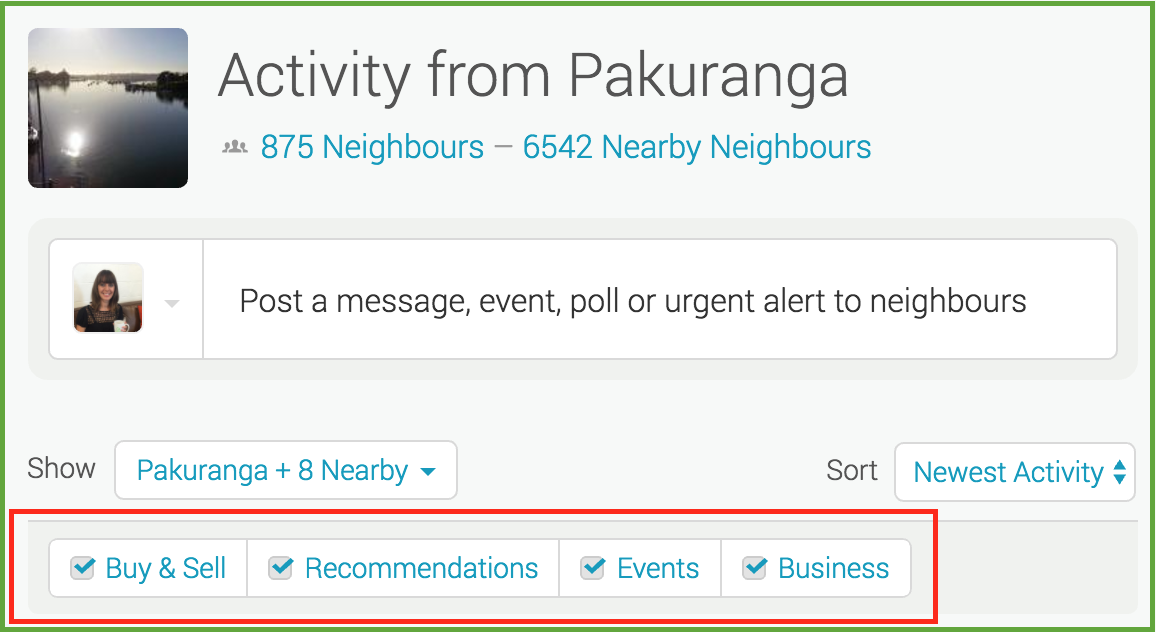
Filters allow you to manage what you see on your Neighbourly noticeboard. Perhaps you want to hide Buy & Sell messages - or maybe that's all you want to see! You'll find four filters at the top of your noticeboard: Recommendations, Buy & Sell, Events and Business. You can toggle these on and off to customise your Neighbourly experience.
While you're there - have a play with the 'Sort' filter. This is a drop down menu allowing you to switch between newest posts and newest activity (replies).
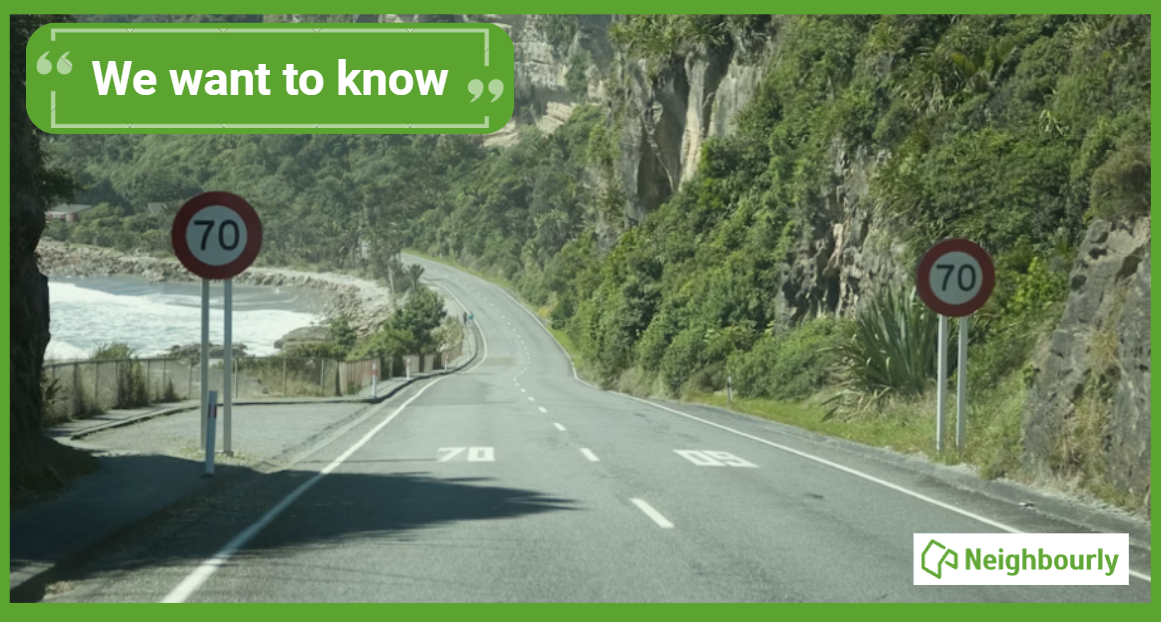
Poll: If we want to reduce speeding, what do you think actually changes driver behaviour? 🛻🚨🚓
In the Post's article on speeding penalties, the question is asked whether speeding fines are truly about road safety, or are they just a way to boost revenue for the Crown?
What do you think? Should speeding motorists receive speeding fines or demerit points?
-
32.5% The sting of a fine (Money talks!)
-
67.5% The threat of demerit points (Nobody wants to lose their license!)

Lawn mowing
Hi Everyone
I have availability on my lawn mowing run at the moment, for regular cutting, in the Napier area. My customers include residential and commercial properties and they are happy with the service I provide. Autumn is also a great time to get your lawn sorted, if you need some help. I have also had customers in the past, that were selling their property and needed it tidied and maintained, while on the market.
So if you are interested or need a quote, or know someone that needs help with their lawns? Please contact me.
You can reach me at 027 3731310 or Bradley.mw@gmail.com
Have a great day!
Michael from Blade Lawns.

Share your favourite main crop potato recipe and win a copy of our mag!
Love potatoes? We will give away free copies of the May 2026 issue to readers whose potato recipes are used in our magazine. To be in the running, make sure you email your family's favourite way to enjoy potatoes: mailbox@nzgardener.co.nz, by March 1, 2026.

 Loading…