






Neighbourly 101: Posting an image
Kia ora, neighbours!
When scrolling through the newsfeed what catches your eye? Chances are it's a colourful, striking image filled with all things Neighbourly. They say a picture tells a thousand words, so use your image-ination and show your neighbours. To create an outstanding post, follow these simple steps:
1. At the top of your newsfeed click ‘Post a message, event, poll or urgent alert to neighbours’
2. Add a subject and message
3. Select ‘attach an image or document' and choose an image from your device
4. Choose a category for your message
5. Click Post to share it with your neighbourhood
For more info, click here.


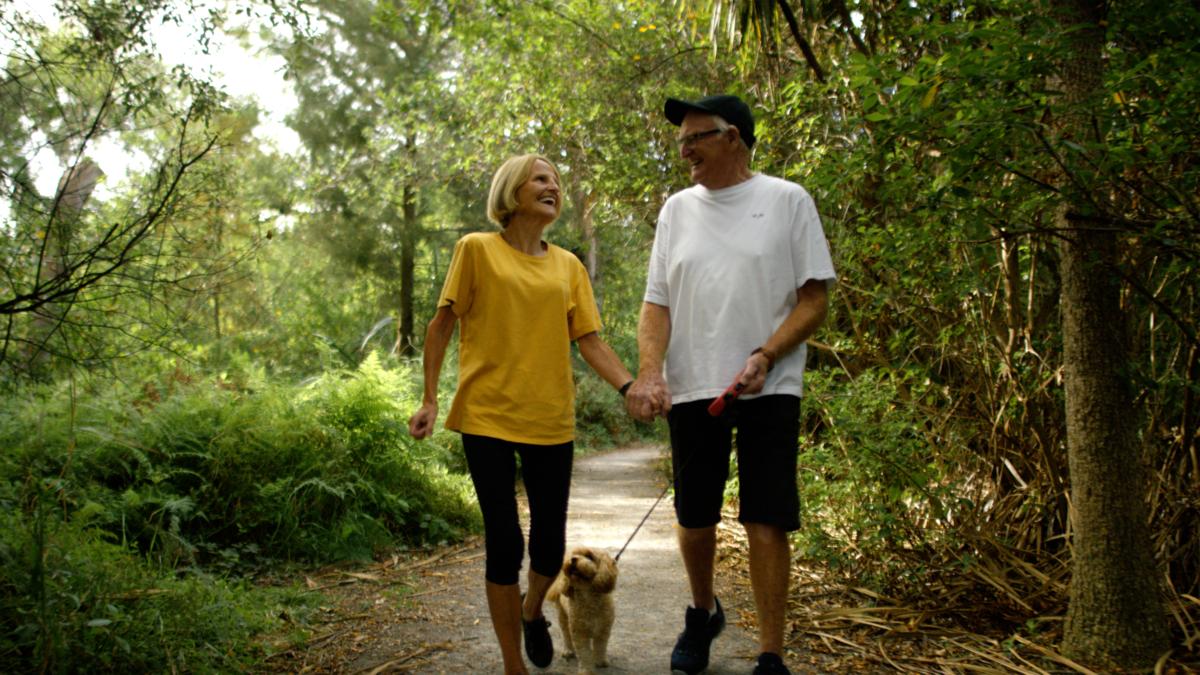
Ready to make the most of retirement?
From hobbies to adventures, there’s so much to enjoy!
- Explore new hobbies like gardening or painting
- Stay active with walking groups or cycling trails
- Learn something new with online courses or local classes
- Give back through volunteering or mentoring
Read the full article and take our fun quiz to find out which activities suit your personality best below!
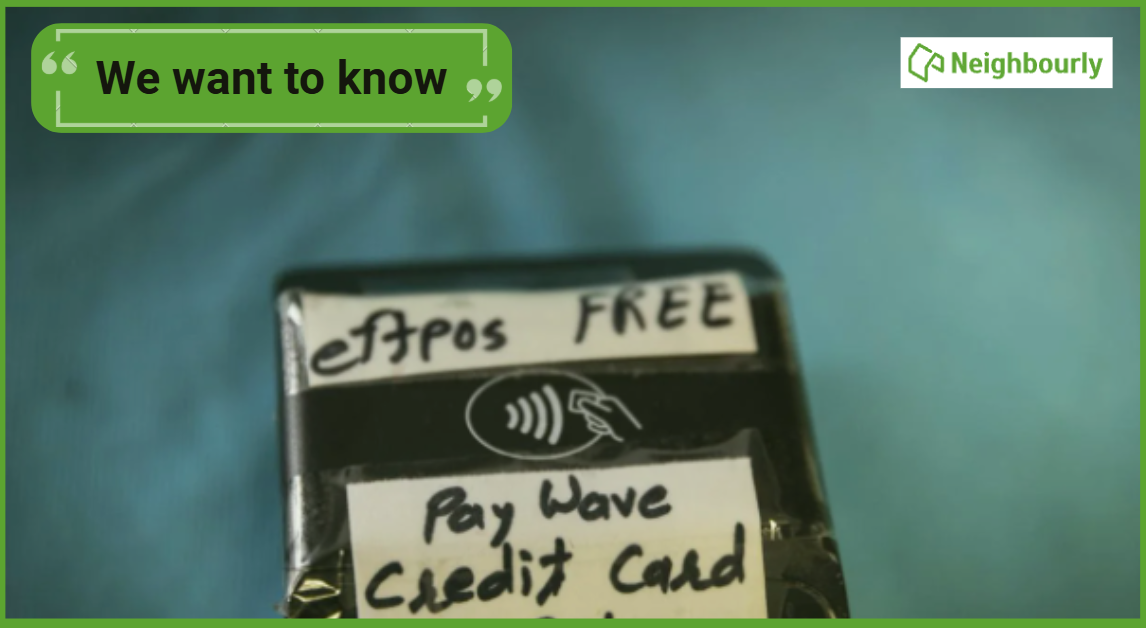
Poll: As a customer, what do you think about automation?
The Press investigates the growing reliance on your unpaid labour.
Automation (or the “unpaid shift”) is often described as efficient ... but it tends to benefit employers more than consumers.
We want to know: What do you think about automation?
Are you for, or against?
-
9.6% For. Self-service is less frustrating and convenient.
-
43.6% I want to be able to choose.
-
46.9% Against. I want to deal with people.
Looking for a special gift for your Valentine?
❤️ Valentine’s Day is just around the corner ❤️
Looking for a gift that’s thoughtful, meaningful, and a little bit special?
Visit Reyburn House Art Gallery & Shop and explore a beautiful selection of locally made art, jewellery, ceramics, prints, and gifts — perfect for someone you love (or yourself).
💝 Friday 14 February
📍 Town Basin, Whangārei
🎨 Supporting local artists
❤️ Handmade with love
Shop local this Valentine’s Day 💕

 Loading…