





Neighbourly 101: Posting an image
Kia ora, neighbours!
When scrolling through the newsfeed what catches your eye? Chances are it's a colourful, striking image filled with all things Neighbourly. They say a picture tells a thousand words, so use your image-ination and show your neighbours. To create an outstanding post, follow these simple steps:
1. At the top of your newsfeed click ‘Post a message, event, poll or urgent alert to neighbours’
2. Add a subject and message
3. Select ‘attach an image or document' and choose an image from your device
4. Choose a category for your message
5. Click Post to share it with your neighbourhood
For more info, click here.


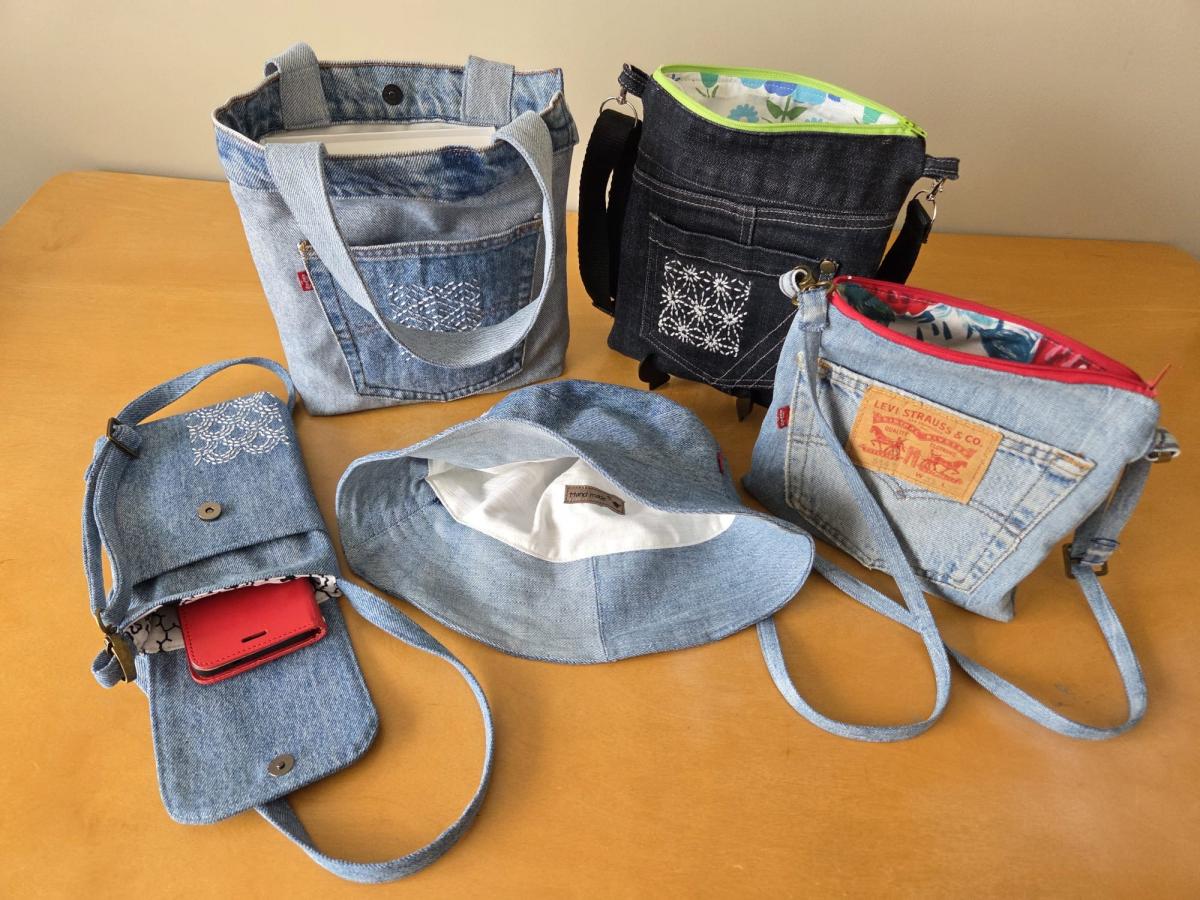
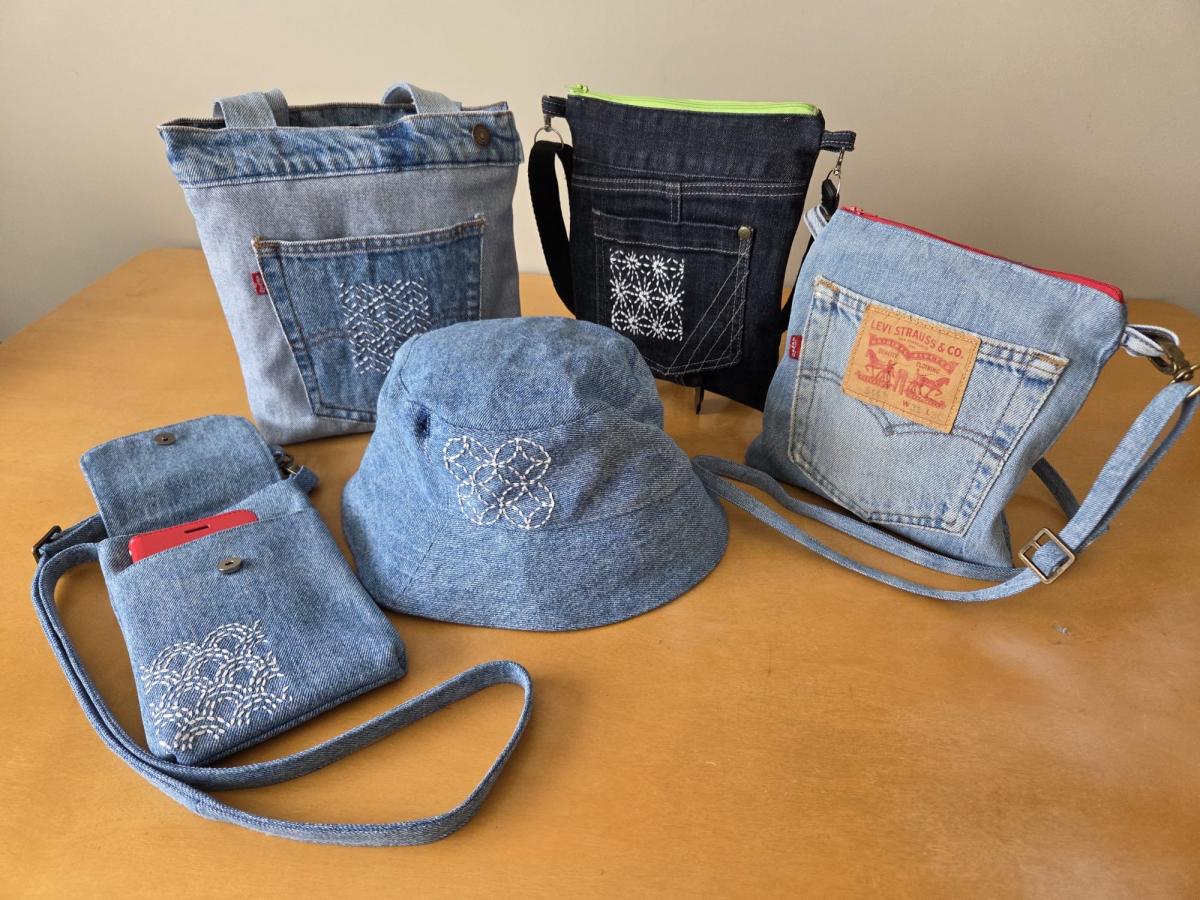
Denim, but make it one-of-a-kind 💙
Not every pair of jeans makes it to the rack... but that doesn’t mean their story ends there. Our talented volunteer Annie has been transforming damaged denim into handcrafted bags, hats and aprons in our Onehunga SPCA Op Shop ✂️🧵
This latest batch even features her own hand-sewn designs, and customers have been loving them, they sell almost as soon as they hit the shelf!
It’s creativity, sustainability and community all stitched together, helping animals in need 🐾
📍 217 Onehunga Mall, Onehunga
🕘 9am–5pm, 7 days
Poll: Is Auckland’s economy improving?
The latest reporting from The Post suggests a wave of optimism for 2026. With interest rates finally heading south, businesses are feeling more positive. But for many on the ground, the real-world recovery feels a bit like a slow-moving commute on Auckland's motorways.
We want to know: Are you seeing signs of Auckland's economy improving in your industry or neighbourhood? Whether it's busier shops, new projects kicking off, or just a shift in the mood ...
-
0% Yes
-
75% No
-
25% A little

🧩😏 Riddle me this, Neighbours…
I am an odd number. Take away a letter and I become even. What number am I?
Do you think you know the answer?
Want to stop seeing these in your newsfeed? No worries! Simply head here and click once on the Following button.

 Loading…