







Neighbourly New Year Tip #3 - Find your filters
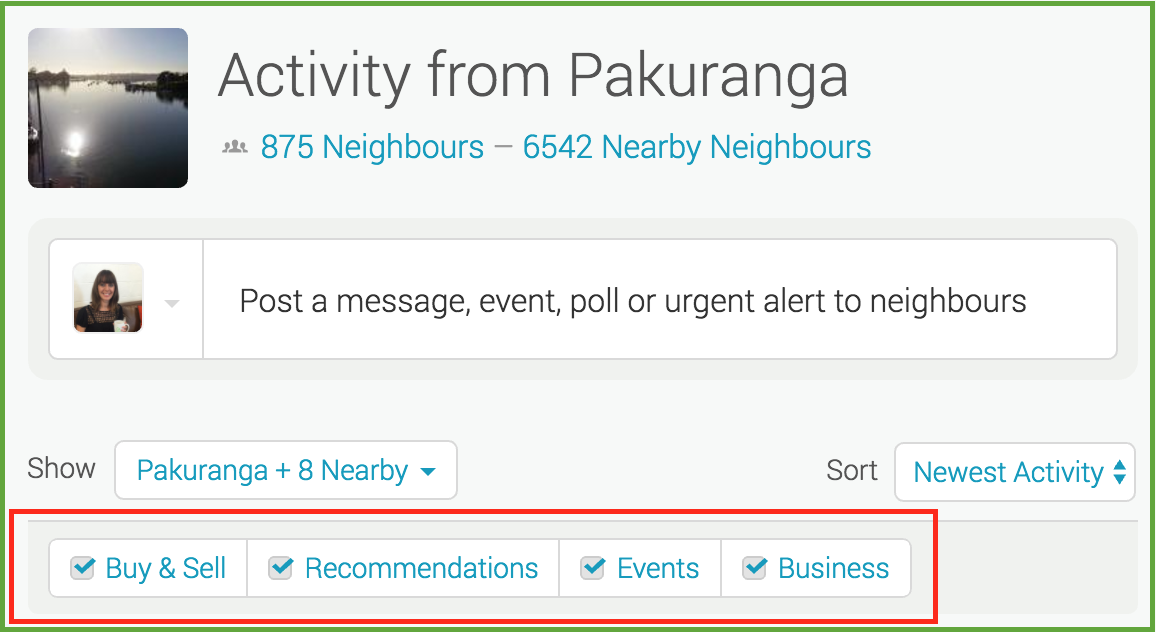
Filters allow you to manage what you see on your Neighbourly noticeboard. Perhaps you want to hide Buy & Sell messages - or maybe that's all you want to see! You'll find four filters at the top of your noticeboard: Recommendations, Buy & Sell, Events and Business. You can toggle these on and off to customise your Neighbourly experience.
While you're there - have a play with the 'Sort' filter. This is a drop down menu allowing you to switch between newest posts and newest activity (replies).

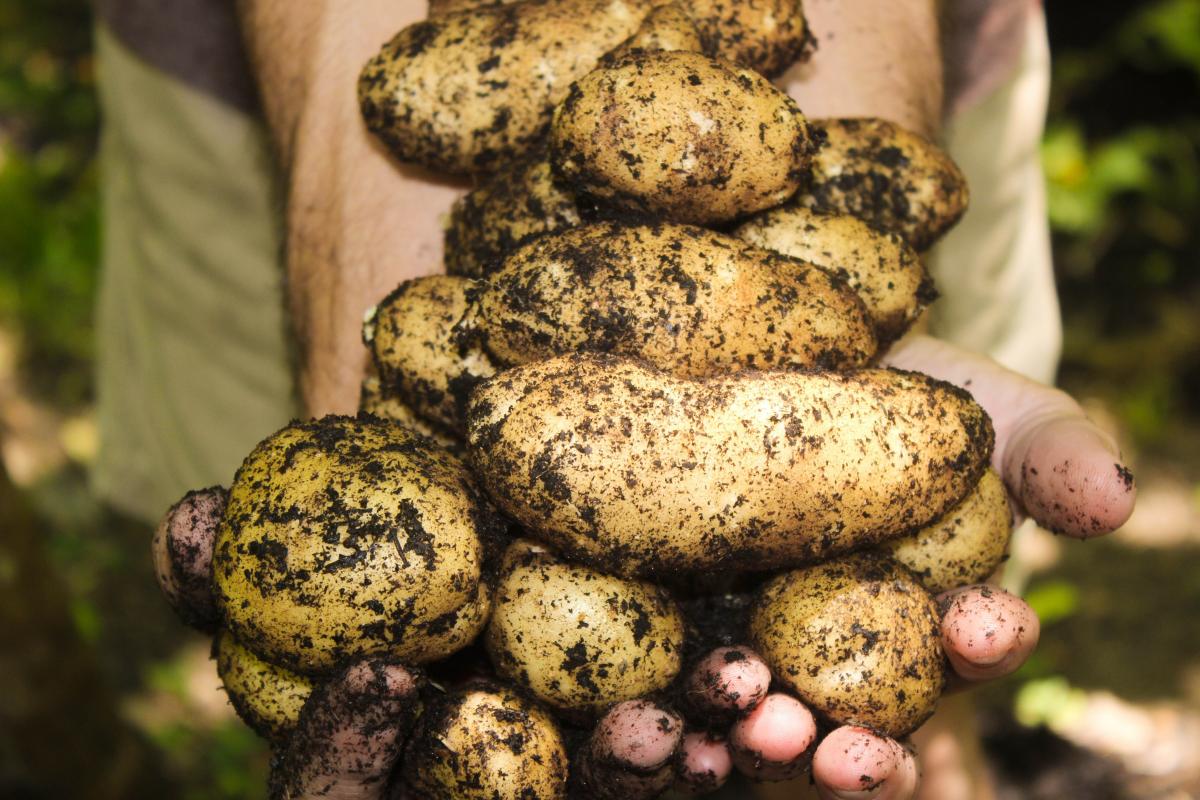
Share your favourite main crop potato recipe and win a copy of our mag!
Love potatoes? We will give away free copies of the May 2026 issue to readers whose potato recipes are used in our magazine. To be in the running, make sure you email your family's favourite way to enjoy potatoes: mailbox@nzgardener.co.nz, by March 1, 2026.
Have you got New Zealand's best shed? Show us and win!
Once again, Resene and NZ Gardener are on the hunt for New Zealand’s best shed! Send in the photos and the stories behind your man caves, she sheds, clever upcycled spaces, potty potting sheds and colourful chicken coops. The Resene Shed of the Year 2026 winner receives $1000 Resene ColorShop voucher, a $908 large Vegepod Starter Pack and a one-year subscription to NZ Gardener. To enter, tell us in writing (no more than 500 words) why your garden shed is New Zealand’s best, and send up to five high-quality photos by email to mailbox@nzgardener.co.nz. Entries close February 23, 2026.

Poll: 🤖 What skills do you think give a CV the ultimate edge in a robot-filled workplace?
The Reserve Bank has shared some pretty blunt advice: there’s no such thing as a “safe” job anymore 🛟😑
Robots are stepping into repetitive roles in factories, plants and warehouses. AI is taking care of the admin tasks that once filled many mid-level office jobs.
We want to know: As the world evolves, what skills do you think give a CV the ultimate edge in a robot-filled workplace?
Want to read more? The Press has you covered!

-
52.5% Human-centred experience and communication
-
14.9% Critical thinking
-
29.9% Resilience and adaptability
-
2.8% Other - I will share below!
 Loading…