




Neighbourly 101: Posting an image
Kia ora, neighbours!
When scrolling through the newsfeed what catches your eye? Chances are it's a colourful, striking image filled with all things Neighbourly. They say a picture tells a thousand words, so use your image-ination and show your neighbours. To create an outstanding post, follow these simple steps:
1. At the top of your newsfeed click ‘Post a message, event, poll or urgent alert to neighbours’
2. Add a subject and message
3. Select ‘attach an image or document' and choose an image from your device
4. Choose a category for your message
5. Click Post to share it with your neighbourhood
For more info, click here.


🧩😏 Riddle me this, Neighbours…
I am an odd number. Take away a letter and I become even. What number am I?
Do you think you know the answer?
Want to stop seeing these in your newsfeed? No worries! Simply head here and click once on the Following button.

Scam Alert: Bank cold calls
ASB is warning customers about reports of cold calls from scammers claiming to be from ASB. These scammers are trying to obtain personal information, including usernames, dates of birth, and verification codes sent to your mobile phone.
🛡️ The "Caller Check" Test
If you get a call from someone claiming to be from ASB and you’re unsure, just ask them for a Caller Check. You will then be able to verify the call through the app.
Remember, banks will:
❌ Never ask for your banking passwords, PINs, or verification codes
❌ Never need to know your full credit card number – especially the CVC
❌ Never ask you to download software or remotely access your device
❌ Never ask you to purchase gift cards or transfer funds.
If you have received a phone call and think your account has been compromised, call ASB on 0800 ASB FRAUD (0800 272 372), or visit your local branch.

Offers, Events & Inspiration
Ready to explore the world with ease?
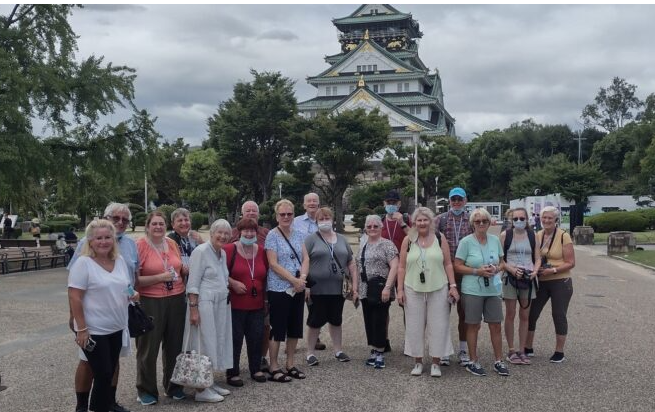
Wendy Wu Tours specialises in fully guided holidays across Asia and beyond, taking care of flights, accommodation, touring and expert local guides so you can simply relax and enjoy the journey. From Japan’s cherry blossoms and China’s Great Wall to the vibrant cultures of Vietnam and India, every itinerary is designed to immerse you in authentic experiences.
Departing from New Zealand, you’ll travel with like-minded adventurers and enjoy seamless, stress-free travel. If you’ve been dreaming about your next big trip, now’s the perfect time to make it happen.
 Loading…