





Neighbourly 101: Posting an image
Kia ora, neighbours!
When scrolling through the newsfeed what catches your eye? Chances are it's a colourful, striking image filled with all things Neighbourly. They say a picture tells a thousand words, so use your image-ination and show your neighbours. To create an outstanding post, follow these simple steps:
1. At the top of your newsfeed click ‘Post a message, event, poll or urgent alert to neighbours’
2. Add a subject and message
3. Select ‘attach an image or document' and choose an image from your device
4. Choose a category for your message
5. Click Post to share it with your neighbourhood
For more info, click here.

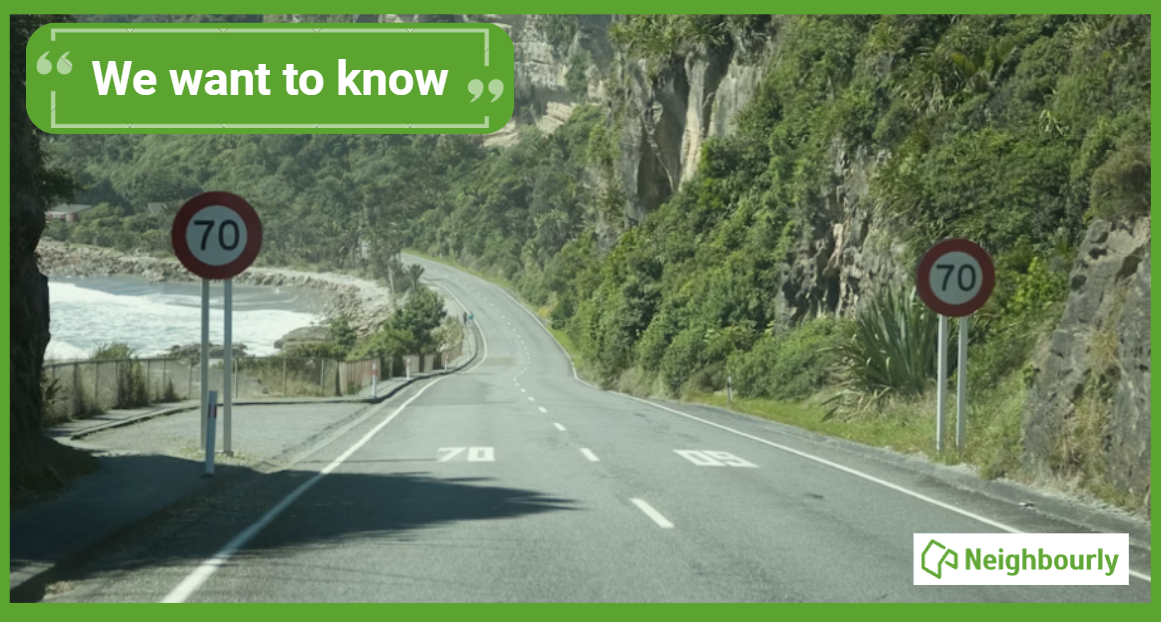
Poll: If we want to reduce speeding, what do you think actually changes driver behaviour? 🛻🚨🚓
In the Post's article on speeding penalties, the question is asked whether speeding fines are truly about road safety, or are they just a way to boost revenue for the Crown?
What do you think? Should speeding motorists receive speeding fines or demerit points?
-
38.3% The sting of a fine (Money talks!)
-
61.7% The threat of demerit points (Nobody wants to lose their license!)
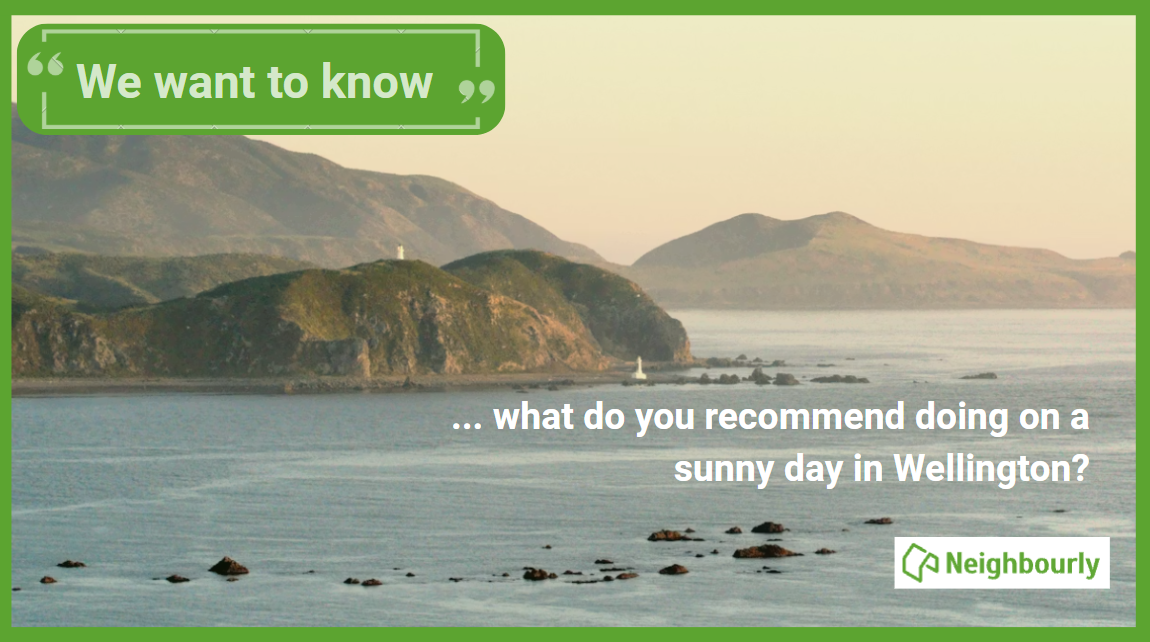
💨 Wellington: Is the real summer finally here?
It’s the talk of the town (and every coffee queue): the Wellington "summer" has felt more like a very long, very damp spring! 🌧️ We’ve definitely had our fair share of grey skies and raincoats lately.
In fact, The Post reports that our "pretty average" summer has been tough on the local venues and events that usually thrive under the sun. But don't pack away the sunscreen just yet!
The good news? The next couple of weeks are looking a bit more "settled" (the Wellington word for "not a gale-force downpour"). With autumn officially here, now is the time to squeeze every last drop out of the season! ☀️
Any local hidden spots or activities you’d recommend for a calm Wellington day? Drop them in the comments! 👇

Some Choice News!
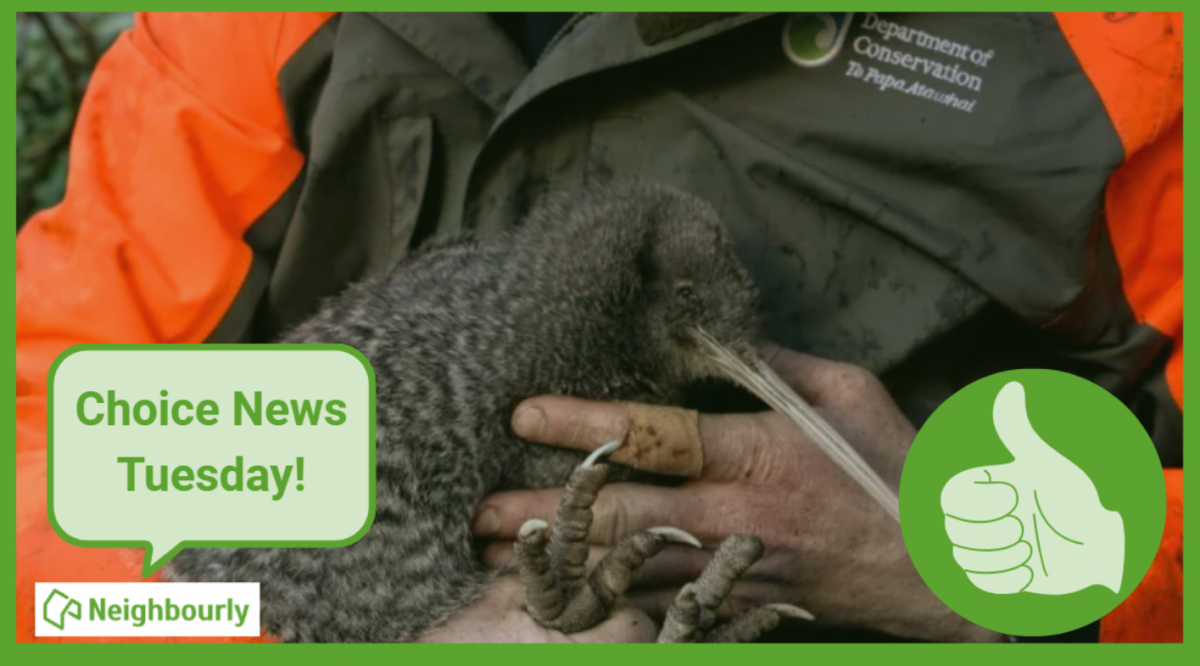
DOC is rolling out a new tool to help figure out what to tackle first when it comes to protecting our threatened species and the things putting them at risk.
Why does this matter? As Nikki Macdonald from The Post points out, we’re a country with around 4,400 threatened species. With limited time and funding, conservation has always meant making tough calls about what gets attention first.
For the first time, DOC has put real numbers around what it would take to do everything needed to properly safeguard our unique natural environment. The new BioInvest tool shows the scale of the challenge: 310,177 actions across 28,007 sites.
Now that we can see the full picture, it brings the big question into focus: how much do we, as Kiwis, truly value protecting nature — and what are we prepared to invest to make it happen?
We hope this brings a smile!
 Loading…