





Neighbourly 101: Posting an image
Kia ora, neighbours!
When scrolling through the newsfeed what catches your eye? Chances are it's a colourful, striking image filled with all things Neighbourly. They say a picture tells a thousand words, so use your image-ination and show your neighbours. To create an outstanding post, follow these simple steps:
1. At the top of your newsfeed click ‘Post a message, event, poll or urgent alert to neighbours’
2. Add a subject and message
3. Select ‘attach an image or document' and choose an image from your device
4. Choose a category for your message
5. Click Post to share it with your neighbourhood
For more info, click here.

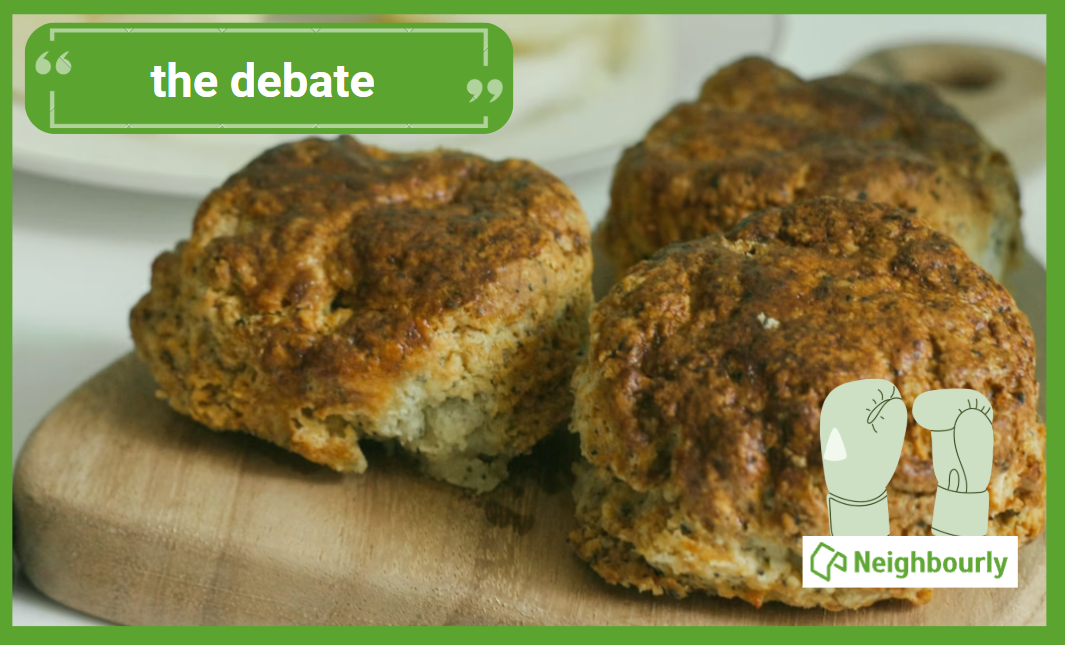
Poll: Does a savoury scone require cheese on top, or folded inside?
Help settle the great kiwi debate ... cheese on top, or folded inside?
-
76.8% Inside!
-
23.2% On top!

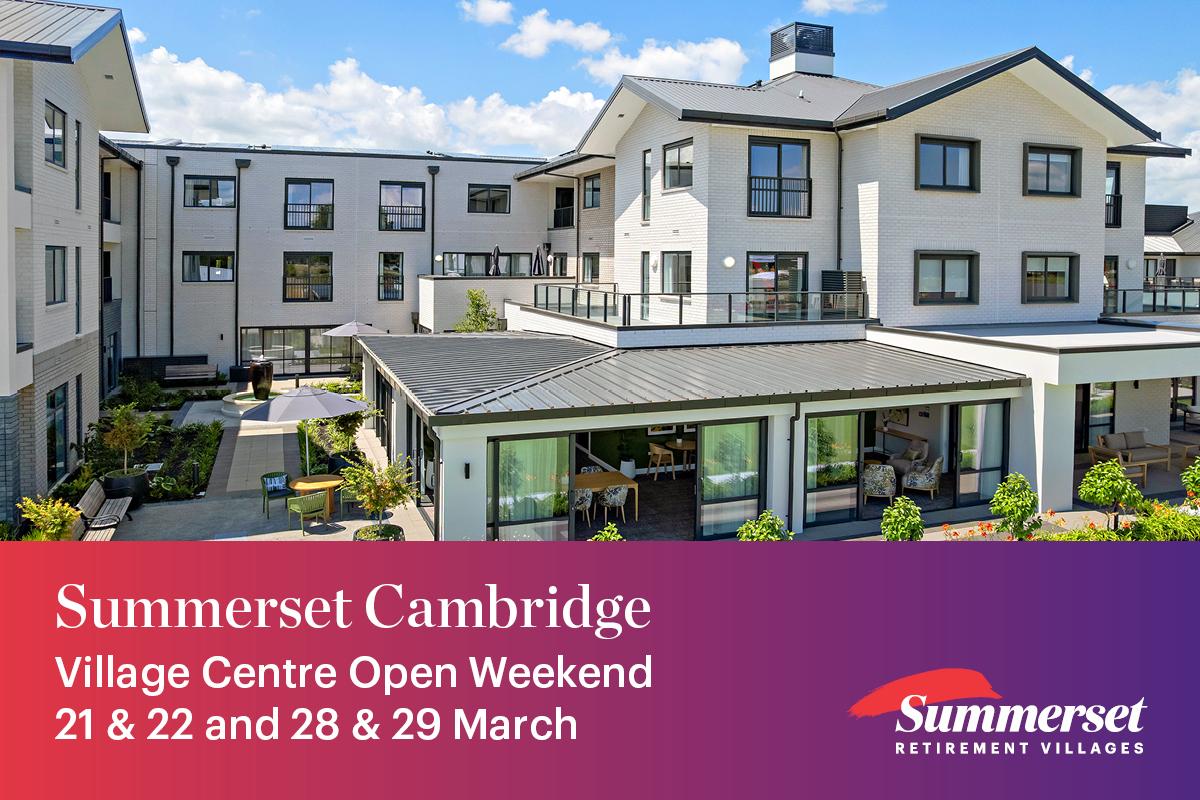
Your official invitation
Come along from 10am - 2pm to take a tour around our new resort-style facilities and range of homes available.

💡 A Little Brain Buzz for You⚡
I have two faces, but show you only one.
I once had guests, but now have none.
I’m rarely bloody and seldom blue.
I’m often promised and sometimes new
(Trev from Tamatea kindly provided this head-scratcher ... thanks, Trev!)
Do you think you know the answer? Simply 'Like' this post if you know the answer and the big reveal will be posted in the comments at 2pm on the day!
Want to stop seeing these in your newsfeed?
Head here and hover on the Following button on the top right of the page (and it will show Unfollow) and then click it. If it is giving you the option to Follow, then you've successfully unfollowed the Riddles page.
 Loading…