




Neighbourly New Year Tip #10 - Save posts
Have you spotted a post on Neighbourly you want to refer back to later? It's easy to save posts such as a recommendation for a good plumber or restaurant, something you're thinking of buying or a poll you'd like to track.
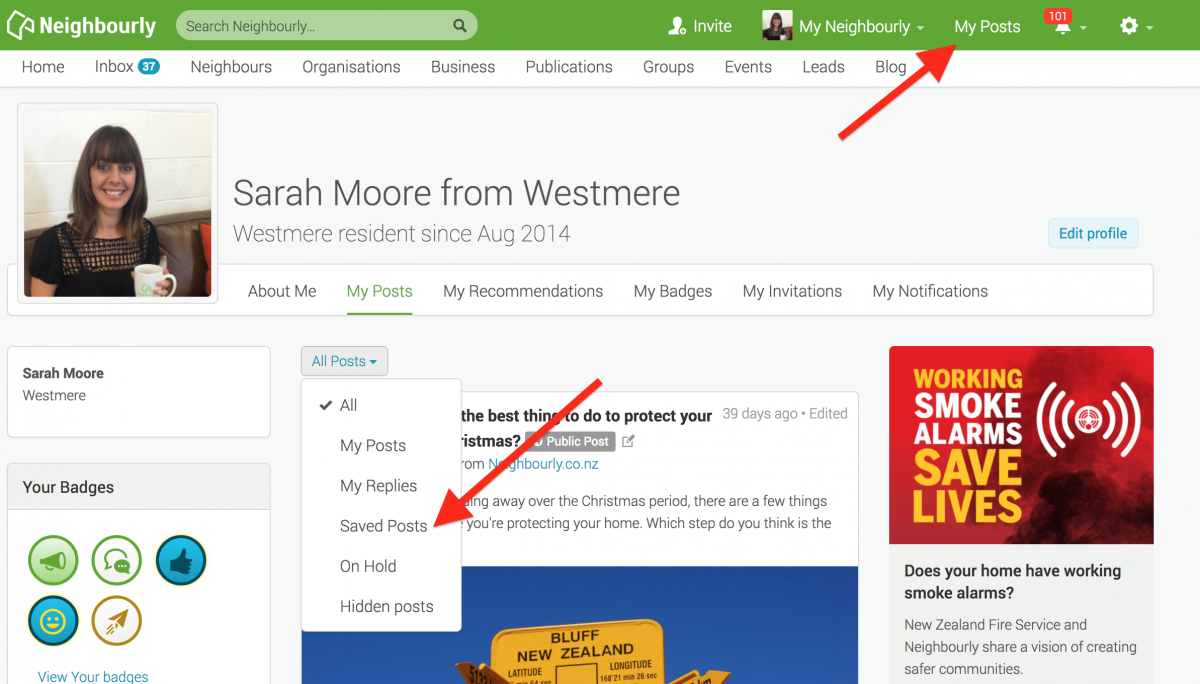
Here's how to save and find posts:
1) Simply click on the SAVE button at the bottom right of a post you want to locate later. The button will change to 'Saved!'
2) To find the post, click on My Posts in the top green navigation bar (on desktop) and click on the All Posts dropdown menu. You'll see the option 'Saved Posts'
3) When you no longer need a record of the post, just click on the Saved button and it will disappear from your Saved list.
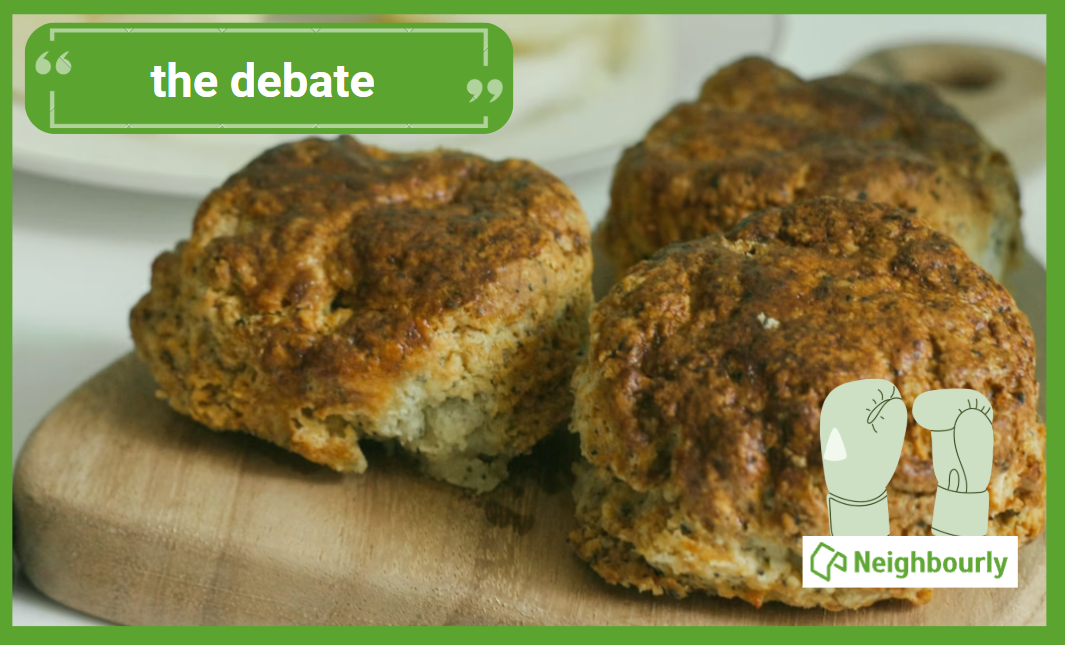
Poll: Does a savoury scone require cheese on top, or folded inside?
Help settle the great kiwi debate ... cheese on top, or folded inside?
-
76.6% Inside!
-
23.4% On top!
Got more greens than you know what to do with? 🥦🌱🥕
Whether it’s a courgette takeover or a feijoa frenzy, don’t let those garden gems go to waste!
Our suggestion to you: Did you know you can grate and freeze excess courgettes to use in chocolate cake later? It sounds a bit dodgy, but it makes the cake incredibly moist ... and hey, it counts as a serving of veg, right? 🍫
What’s your go-to move for a bumper harvest? Drop your best "glut" recipes or preservation hacks in the comments below! 👇

Get decorating with the Resene Sale !
20% off Resene premium paints, wood stains, primers & sealers and 20% off wallpaper and 20% off decorating accessories.
See your Resene Colorshop and bring out the best in your home.

 Loading…