




No Data, No Problem!
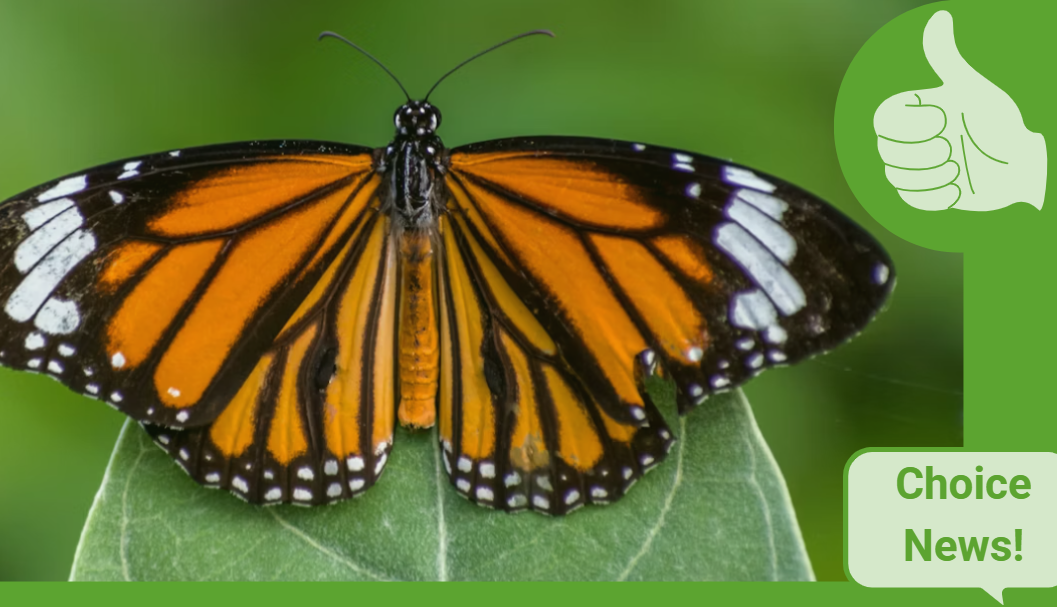
✅ Zero Data is a scheme that lets you access some government websites for free on your mobile phone. Visit the homepage zero.govt.nz and click on the government agency you want to access. This will take you to their regular website, but won't use any of your personal mobile data. The government agency gets charged for the cost of your data.
👉🏽These are the websites you can visit from Zero Data:
- Te Manatū Whakahiato Ora | Ministry of Social Development
- Te Tāhuhu o te Mātauranga | Ministry of Education
- Te Tari Taiwhenua | Department of Internal Affairs
- Te Whatu Ora | Health New Zealand
- Kāinga Ora | Homes & Communities
- Te Tāhū o te Ture | Ministry of Justice
- Te Kaporeihana Āwhina Hunga Whara | Accident Compensation Corporation.
To use Zero Data, you need to have a mobile phone (or tablet) on either Spark, Skinny, One NZ, 2degrees, Warehouse Mobile, Slingshot or Orcon networks.
For more information visit, www.cab.org.nz...

Some Choice News!
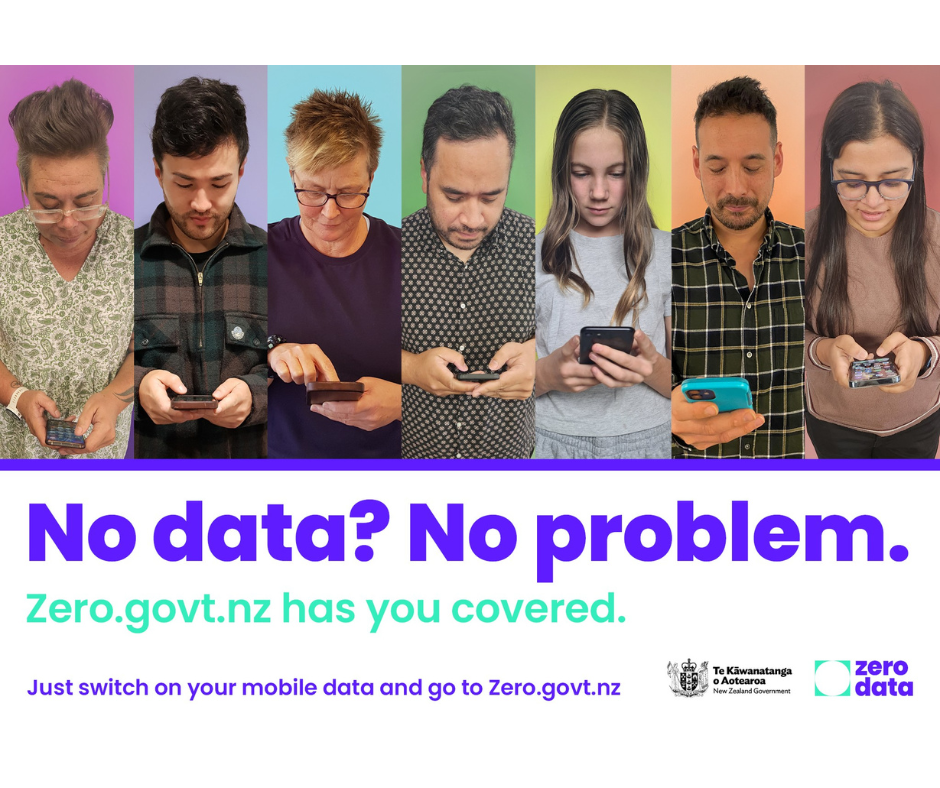
Many New Zealand gardens aren’t seeing as many monarch butterflies fluttering around their swan plants and flower beds these days — the hungry Asian paper wasp has been taking its toll.
Thanks to people like Alan Baldick, who’s made it his mission to protect the monarch, his neighbours still get to enjoy these beautiful butterflies in their own backyards.
Thinking about planting something to invite more butterflies, bees, and birds into your garden?
Thanks for your mahi, Alan! We hope this brings a smile!

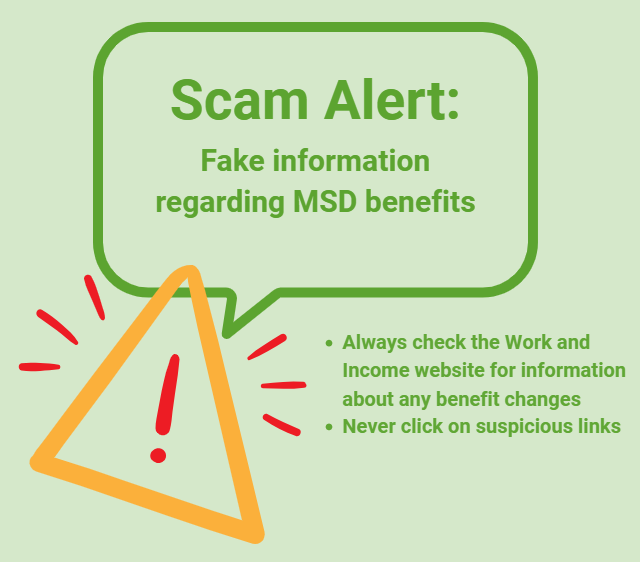
Scam Alert: Fake information regarding December Bonuses from MSD
The Ministry of Social Development is reporting that fake information is circulating about new ‘December bonuses’ or ‘benefit increases’
If you get suspicious communication, please contact Netsafe.

Neighbourhood Challenge: Who Can Crack This One? ⛓️💥❔
What has a head but no brain?
Do you think you know the answer? Simply 'Like' this post if you know the answer and the big reveal will be posted in the comments at 2pm on the day!
Want to stop seeing these in your newsfeed?
Head here and hover on the Following button on the top right of the page (and it will show Unfollow) and then click it. If it is giving you the option to Follow, then you've successfully unfollowed the Riddles page.
 Loading…