




Neighbourly New Year Tip #10 - Save posts
Have you spotted a post on Neighbourly you want to refer back to later? It's easy to save posts such as a recommendation for a good plumber or restaurant, something you're thinking of buying or a poll you'd like to track.
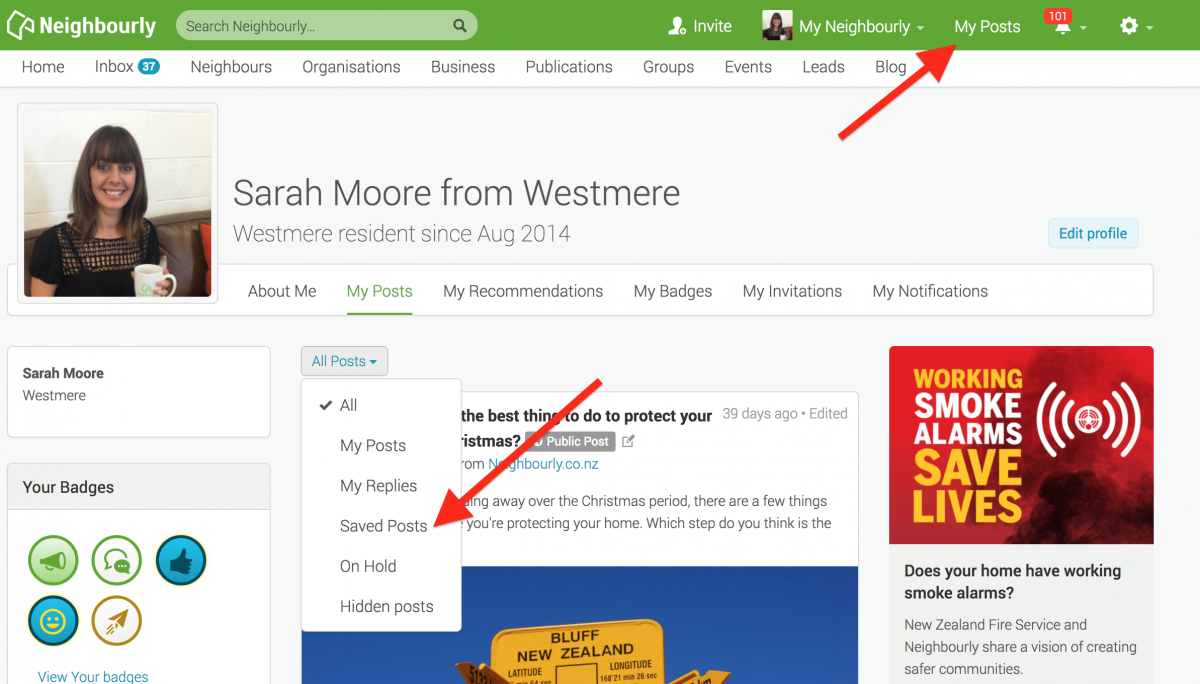
Here's how to save and find posts:
1) Simply click on the SAVE button at the bottom right of a post you want to locate later. The button will change to 'Saved!'
2) To find the post, click on My Posts in the top green navigation bar (on desktop) and click on the All Posts dropdown menu. You'll see the option 'Saved Posts'
3) When you no longer need a record of the post, just click on the Saved button and it will disappear from your Saved list.
Poll: 🤖 What skills do you think give a CV the ultimate edge in a robot-filled workplace?
The Reserve Bank has shared some pretty blunt advice: there’s no such thing as a “safe” job anymore 🛟😑
Robots are stepping into repetitive roles in factories, plants and warehouses. AI is taking care of the admin tasks that once filled many mid-level office jobs.
We want to know: As the world evolves, what skills do you think give a CV the ultimate edge in a robot-filled workplace?
Want to read more? The Press has you covered!
-
56.9% Human-centred experience and communication
-
13.8% Critical thinking
-
26.2% Resilience and adaptability
-
3.1% Other - I will share below!

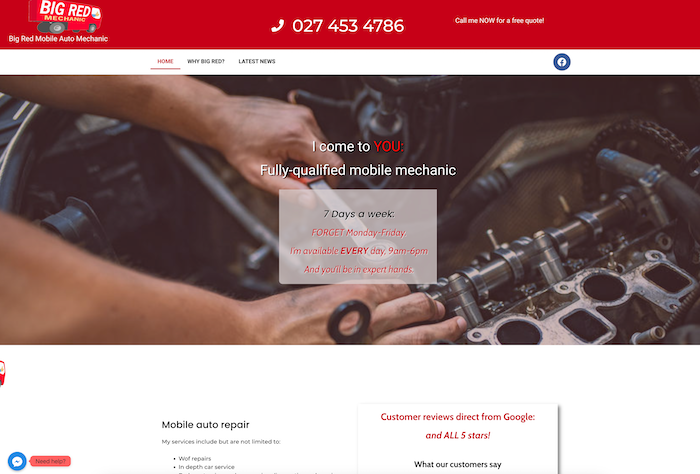
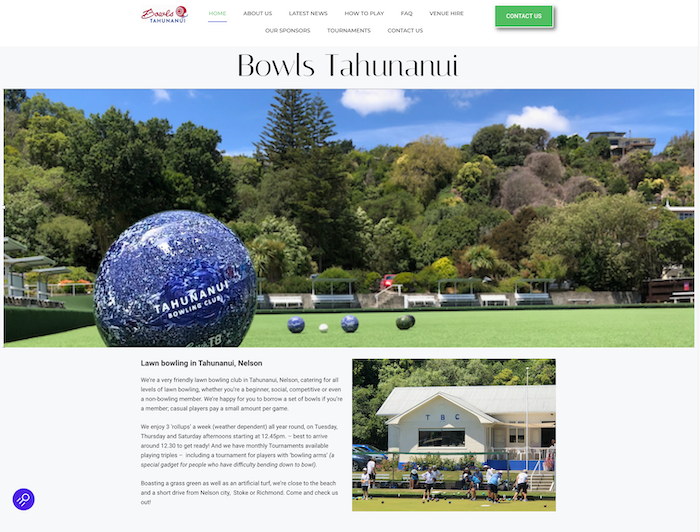
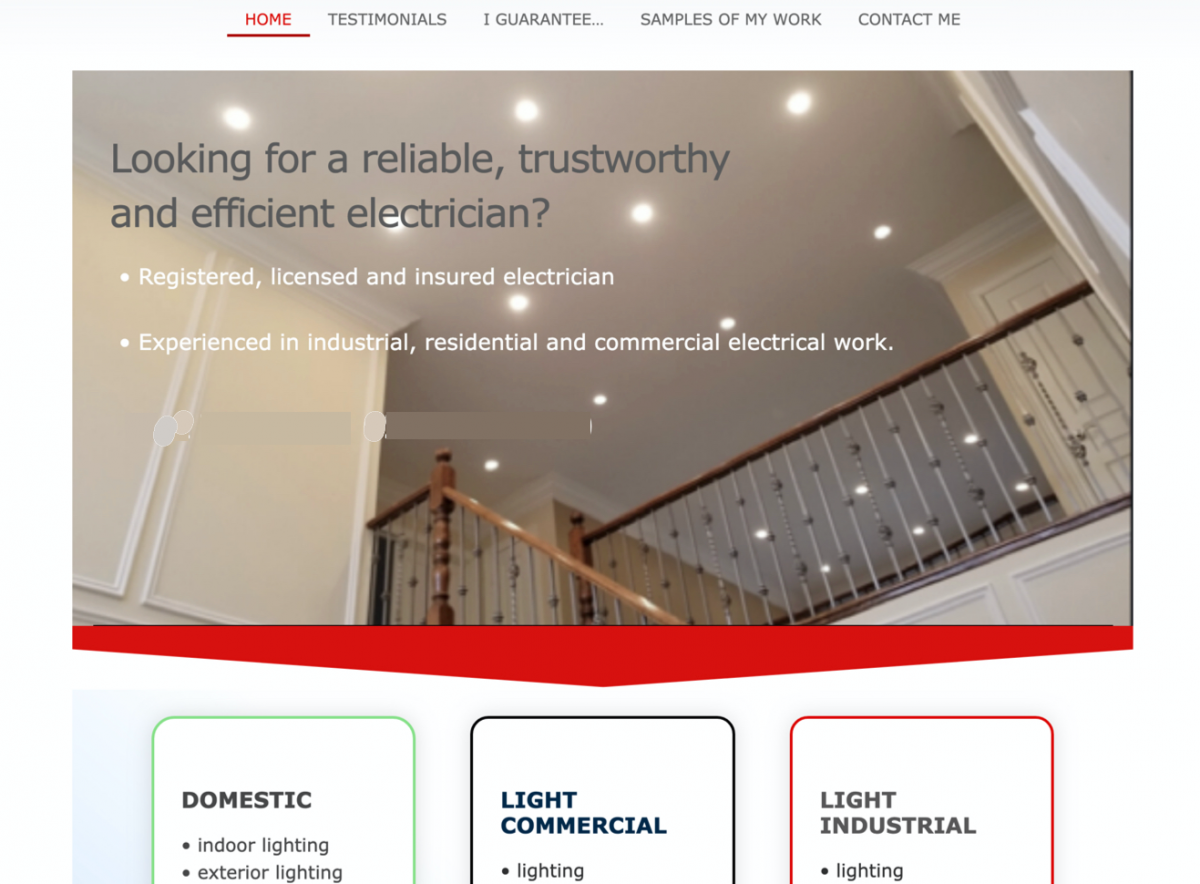
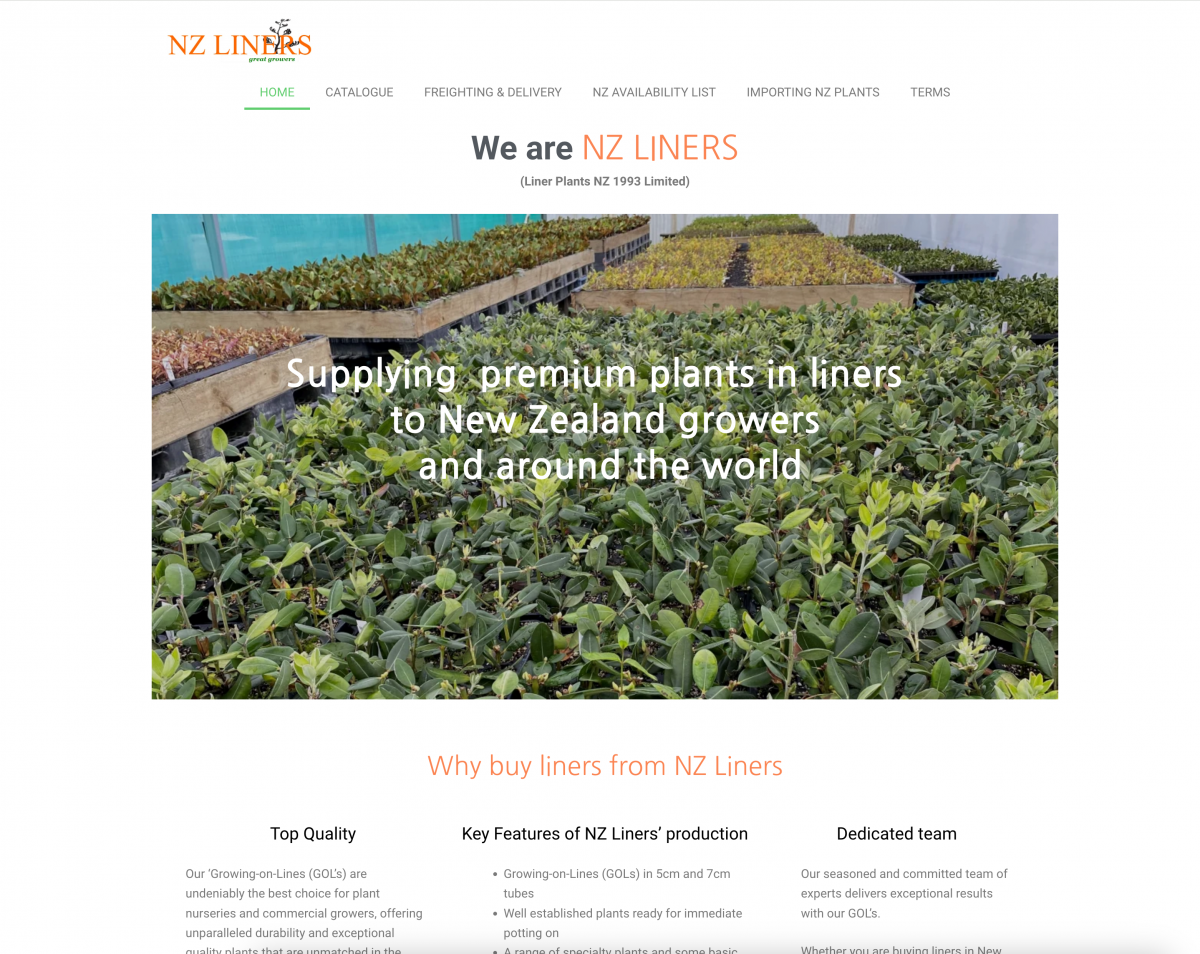
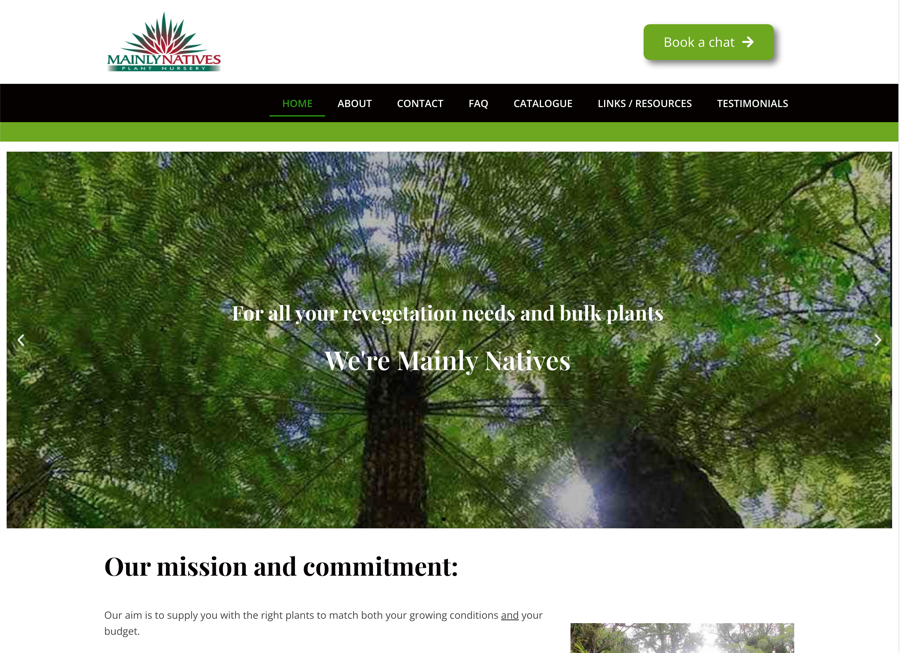
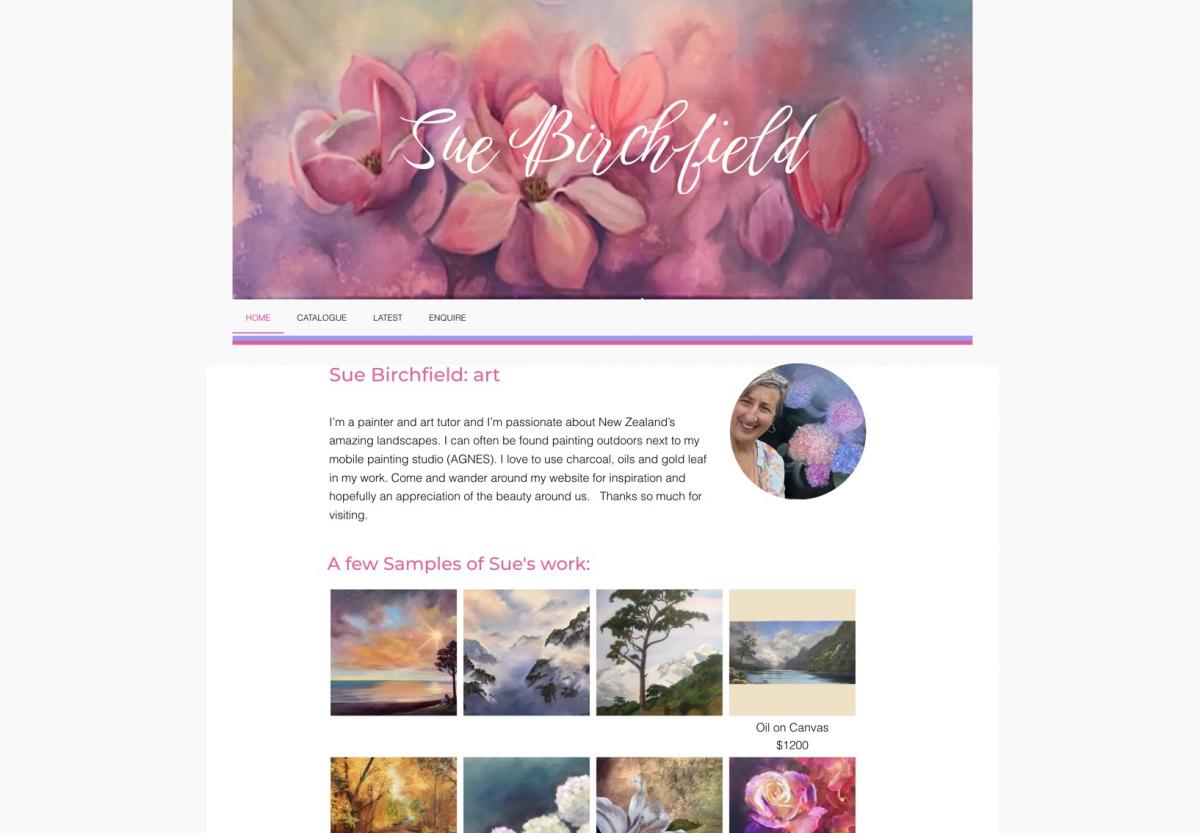
Need a PROFESSIONAL website with low FIXED PRICES? And be able to make changes yourself
Then you've come to the right place! Whether you need a brand new website, or want help with an existing website - I'll make sure you can EASILY change text and images all by yourself. FIXED PRICING starts at $699, up to only $1800 for an absolutely full-fledged catalogue with products, or an ecommerce (online shop) website. Please do check around and compare - you'll get a UNIQUE website individualised to YOUR needs.. and price-wise, save yourself thousands of dollars...!
AND MY REVIEWS SAY IT ALL – "a life saver from start to finish" – "a perfect choice" – "an absolute wizard at creating fantastic websites"– "listened to our ideas & made us this excellent website"…
ALL 5-STAR REVIEWS and UNBELIEVABLY LOW PRICES!
Get that new website that you've been meaning to get round to – or update your current one.You've got nothing to lose and everything to gain from a free, no-strings-attached friendly phone chat about what you think you want in your website. It's time to do it!
Perhaps a bit nervous about what's involved? Are you a small business deciding to get yourself online with a website? Or not happy with your current website? Let me help you get online customers… and I guarantee you a pain-free process. I understand small business because I've run my own for 20+ years… as well as being a web and small-business expert, with excellent reviews!
FIXED PRICES- must be the best around! Get your very own professional website for just $699 simple one page, to $1800 for a catalogue website or an ecommerce site where customers or clients can buy AND even pay online. Or get a Google business page for just $120 … and YES l'll help you to learn, pain-free, how to make your own changes to your new website! or update your old tired website…
I'll make sure you feel comfortable every step of the way –AND I'll also make sure that you're comfortable adding content yourself to your new website! Do check out my website and see my 5-star reviews, as well as more websites I've made, here: imonline.nz (just google this) and then contact me to set up a free NO-STRINGS ATTACHED phone consultation.

Brain Teaser of the Day 🧠✨ Can You Solve It? 🤔💬
Make a hearty dish. Take just half a minute. Add four parts of kestrel. Then just add one. What have you made?
(Trev from Silverdale kindly provided this head-scratcher ... thanks, Trev!)
Do you think you know the answer? Simply 'Like' this post and we'll post the answer in the comments below at 2pm on the day!
Want to stop seeing these in your newsfeed? No worries! Simply head here and click once on the Following button.

 Loading…