




Neighbourly 101: Posting an image
Kia ora, neighbours!
When scrolling through the newsfeed what catches your eye? Chances are it's a colourful, striking image filled with all things Neighbourly. They say a picture tells a thousand words, so use your image-ination and show your neighbours. To create an outstanding post, follow these simple steps:
1. At the top of your newsfeed click ‘Post a message, event, poll or urgent alert to neighbours’
2. Add a subject and message
3. Select ‘attach an image or document' and choose an image from your device
4. Choose a category for your message
5. Click Post to share it with your neighbourhood
For more info, click here.


Offers, Events & Inspiration
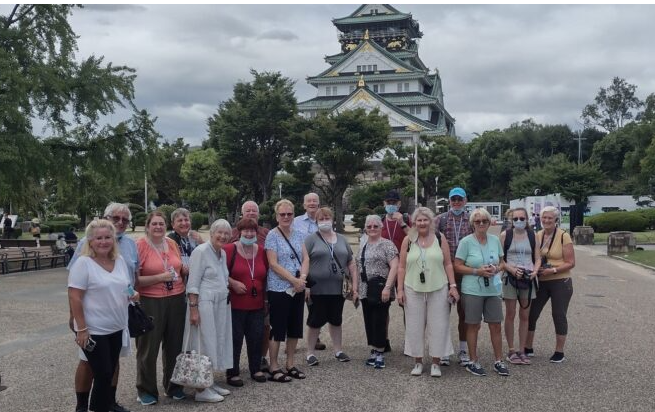
Ready to explore the world with ease?
Wendy Wu Tours specialises in fully guided holidays across Asia and beyond, taking care of flights, accommodation, touring and expert local guides so you can simply relax and enjoy the journey. From Japan’s cherry blossoms and China’s Great Wall to the vibrant cultures of Vietnam and India, every itinerary is designed to immerse you in authentic experiences.
Departing from New Zealand, you’ll travel with like-minded adventurers and enjoy seamless, stress-free travel. If you’ve been dreaming about your next big trip, now’s the perfect time to make it happen.

🧩😏 Riddle me this, Neighbours…
I am an odd number. Take away a letter and I become even. What number am I?
Do you think you know the answer?
Want to stop seeing these in your newsfeed? No worries! Simply head here and click once on the Following button.


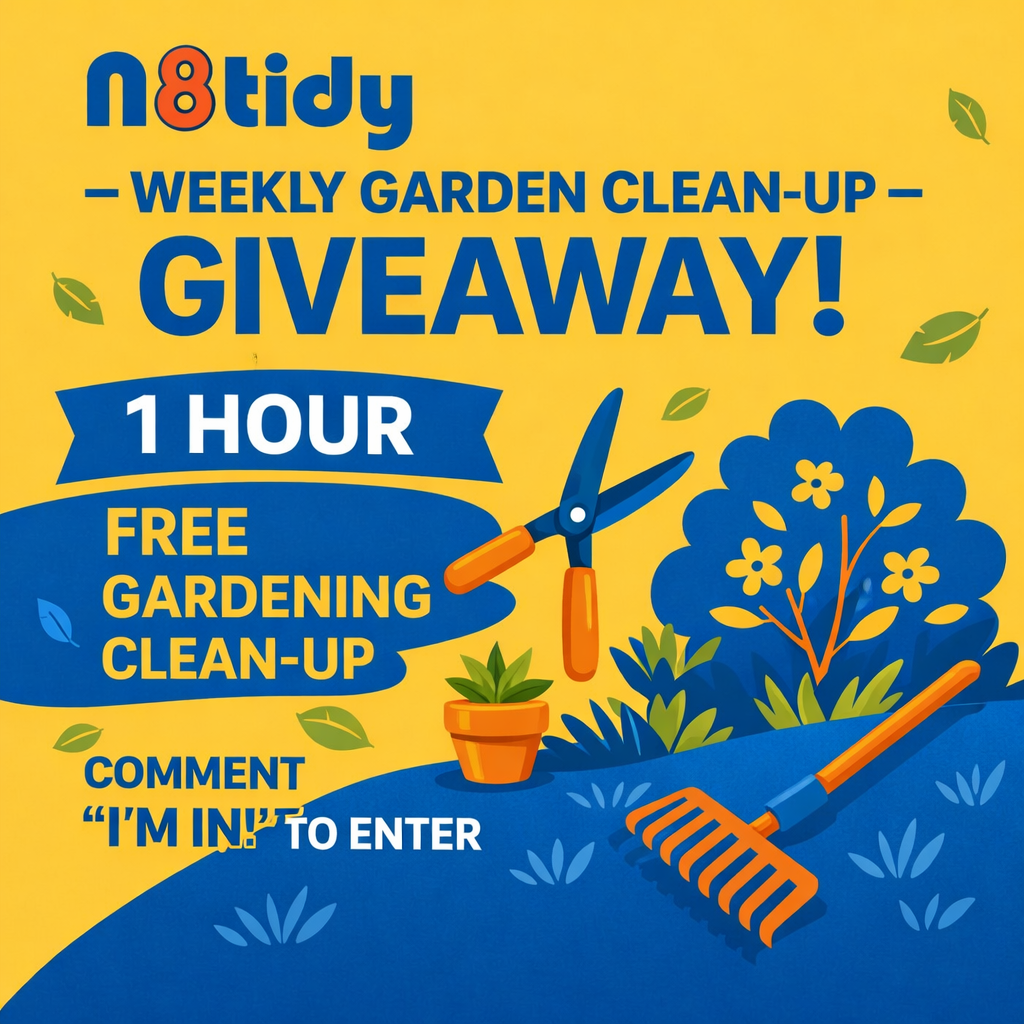
🌿 n8tidy – Week #14 Garden Clean-Up Giveaway!
Comment “I’m in!” to enter – Winner drawn Friday
Hi neighbours! 👋
Welcome to Week #13 of our community giveaway!
One lucky neighbour will win 1 hour of free gardening/yard clean-up from n8tidy this week.
How to participate
💬 Comment “I’m in!” below to enter
📅 Entries close Friday
🎲 Draw will take place Friday evening
5️⃣ Minimum 5 participants required
🙅 Current n8tidy customers cannot participate
🔄 You can join again every week!
What you can use your free hour for
- Weed removal
- Edging & trimming
- Light pruning
- Lawn mowing/Garden tidy-up
No green waste collection
The winner will be contacted directly to arrange their free clean-up hour.
Good luck everyone — and thanks for supporting local! 🌿😊
Fred - n8tidy
www.n8tidy.co.nz...
 Loading…