





Neighbourly 101: Posting an image
Kia ora, neighbours!
When scrolling through the newsfeed what catches your eye? Chances are it's a colourful, striking image filled with all things Neighbourly. They say a picture tells a thousand words, so use your image-ination and show your neighbours. To create an outstanding post, follow these simple steps:
1. At the top of your newsfeed click ‘Post a message, event, poll or urgent alert to neighbours’
2. Add a subject and message
3. Select ‘attach an image or document' and choose an image from your device
4. Choose a category for your message
5. Click Post to share it with your neighbourhood
For more info, click here.


A Neighbourly Riddle! Don’t Overthink It… Or Do?😜
Do you think you know the answer? Simply 'Like' this post if you know the answer and the big reveal will be posted in the comments at 2pm on the day!
If you multiply this number by any other number, the answer will always be the same. What number is this?
Poll: As a customer, what do you think about automation?
The Press investigates the growing reliance on your unpaid labour.
Automation (or the “unpaid shift”) is often described as efficient ... but it tends to benefit employers more than consumers.
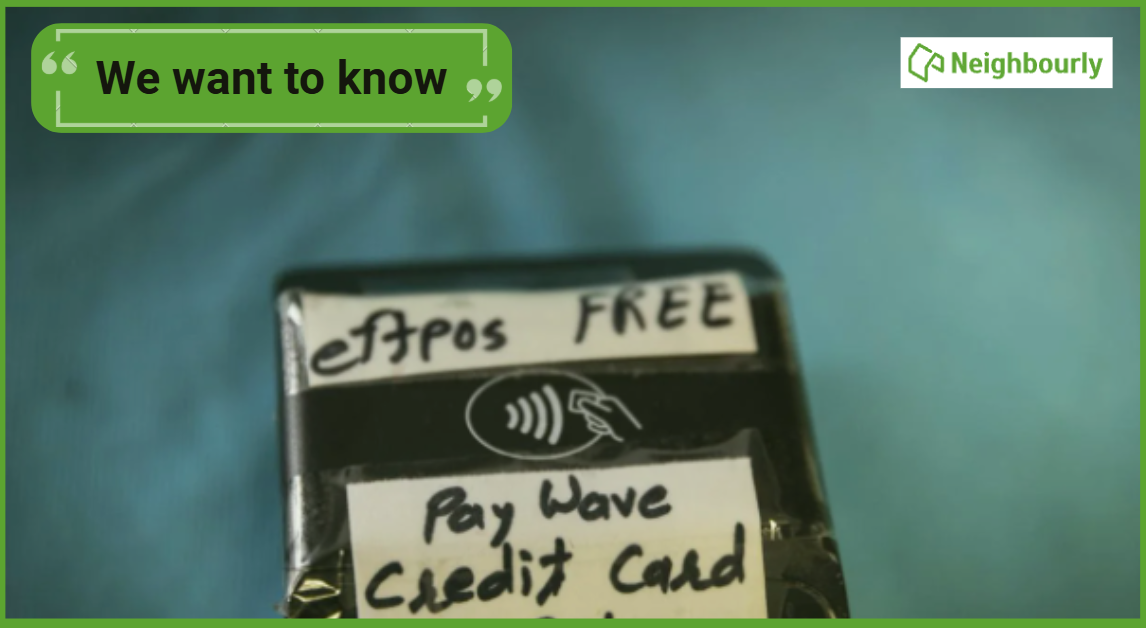
We want to know: What do you think about automation?
Are you for, or against?
-
9.5% For. Self-service is less frustrating and convenient.
-
43.5% I want to be able to choose.
-
47.1% Against. I want to deal with people.

Neighbourhood Posts
Would it be possible for people / or admin to remove posts? as some stay there for weeks, and nborly becomes rather static and boring!
 Loading…