







Neighbourly New Year Tip #3 - Find your filters
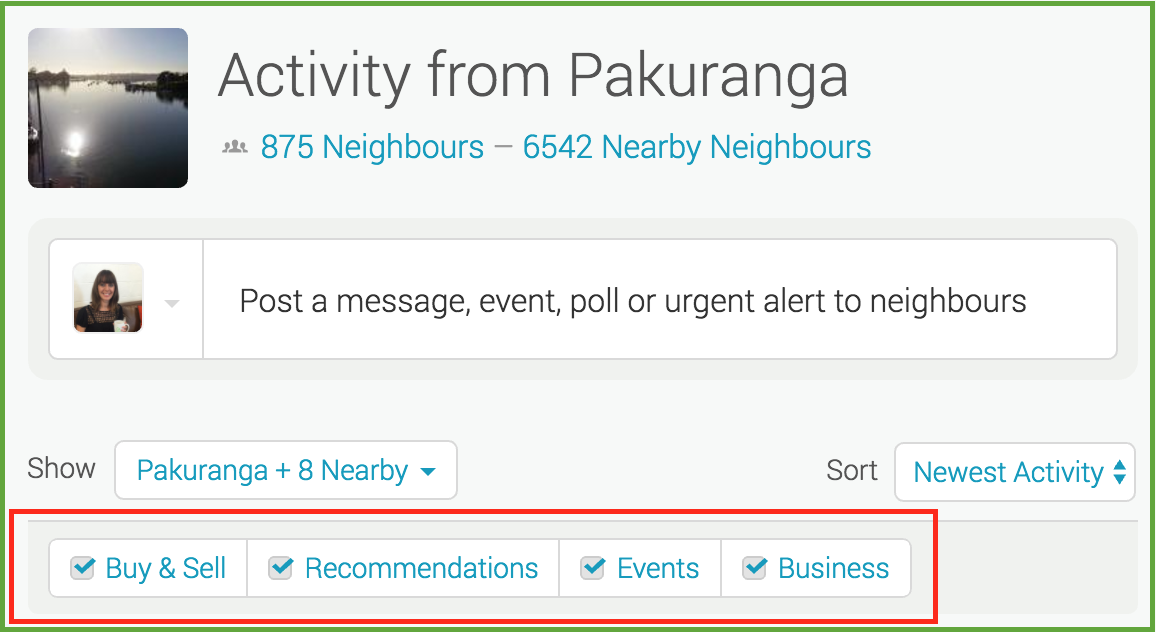
Filters allow you to manage what you see on your Neighbourly noticeboard. Perhaps you want to hide Buy & Sell messages - or maybe that's all you want to see! You'll find four filters at the top of your noticeboard: Recommendations, Buy & Sell, Events and Business. You can toggle these on and off to customise your Neighbourly experience.
While you're there - have a play with the 'Sort' filter. This is a drop down menu allowing you to switch between newest posts and newest activity (replies).
Poll: Should the government levy industries that contribute to financial hardship?
As reported in the Post, there’s a $30 million funding gap in financial mentoring. This has led to services closing and mentors stepping in unpaid just to keep helping people in need 🪙💰🪙
One proposed solution? Small levies on industries that profit from financial hardship — like banks, casinos, and similar companies.
So we want to hear what you think:
Should the government ask these industries to contribute?

-
59.3% Yes, supporting people is important!
-
25.3% No, individuals should take responsibility
-
15.4% ... It is complicated

A Neighbourly Riddle! Don’t Overthink It… Or Do?😜
Do you think you know the answer? Simply 'Like' this post if you know the answer and the big reveal will be posted in the comments at 2pm on the day!
If you multiply this number by any other number, the answer will always be the same. What number is this?

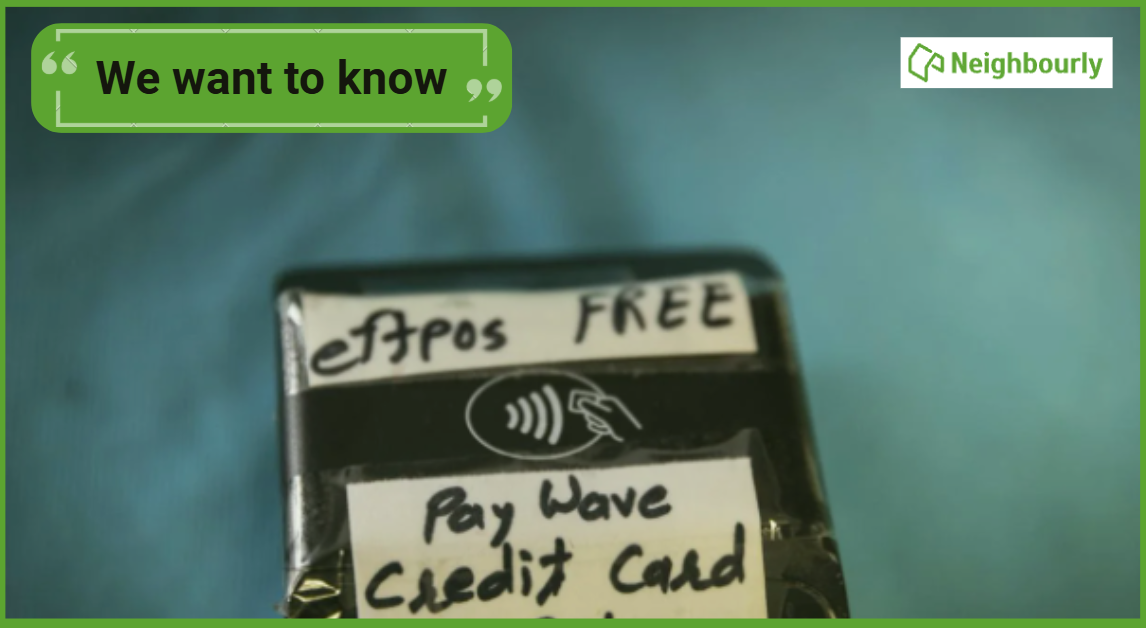
Poll: As a customer, what do you think about automation?
The Press investigates the growing reliance on your unpaid labour.
Automation (or the “unpaid shift”) is often described as efficient ... but it tends to benefit employers more than consumers.
We want to know: What do you think about automation?
Are you for, or against?
-
9.7% For. Self-service is less frustrating and convenient.
-
43.1% I want to be able to choose.
-
47.2% Against. I want to deal with people.
 Loading…