





Neighbourly 101: Posting an image
Kia ora, neighbours!
When scrolling through the newsfeed what catches your eye? Chances are it's a colourful, striking image filled with all things Neighbourly. They say a picture tells a thousand words, so use your image-ination and show your neighbours. To create an outstanding post, follow these simple steps:
1. At the top of your newsfeed click ‘Post a message, event, poll or urgent alert to neighbours’
2. Add a subject and message
3. Select ‘attach an image or document' and choose an image from your device
4. Choose a category for your message
5. Click Post to share it with your neighbourhood
For more info, click here.


A Neighbourly Riddle! Don’t Overthink It… Or Do?😜
Do you think you know the answer? Simply 'Like' this post if you know the answer and the big reveal will be posted in the comments at 2pm on the day!
If you multiply this number by any other number, the answer will always be the same. What number is this?
Poll: Should the government levy industries that contribute to financial hardship?
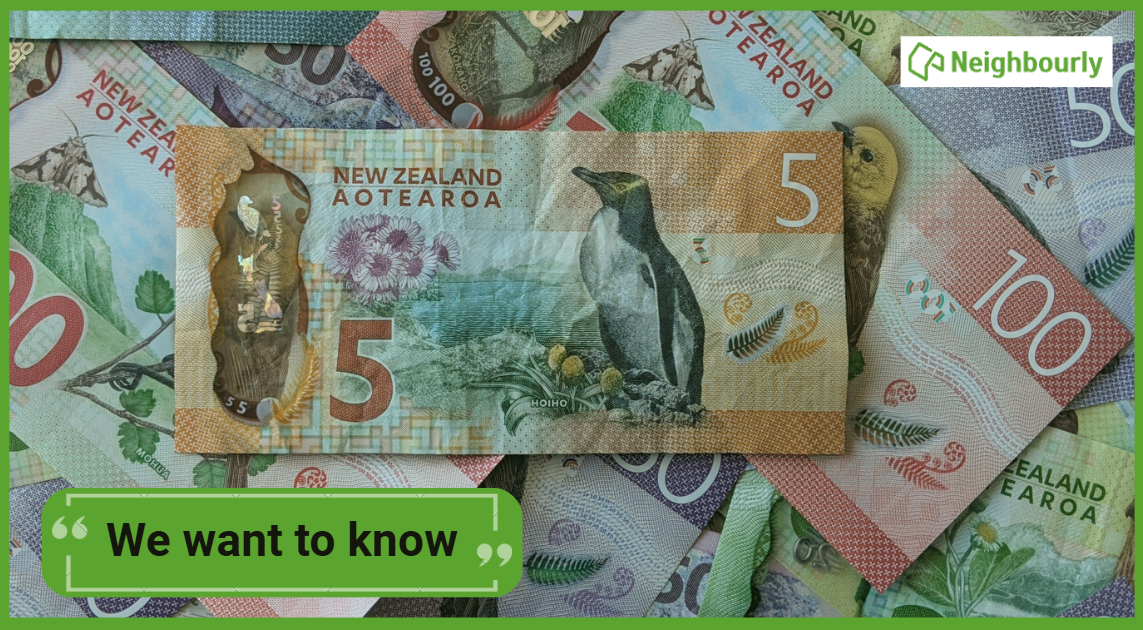
As reported in the Post, there’s a $30 million funding gap in financial mentoring. This has led to services closing and mentors stepping in unpaid just to keep helping people in need 🪙💰🪙
One proposed solution? Small levies on industries that profit from financial hardship — like banks, casinos, and similar companies.
So we want to hear what you think:
Should the government ask these industries to contribute?
-
60.4% Yes, supporting people is important!
-
24.1% No, individuals should take responsibility
-
15.5% ... It is complicated

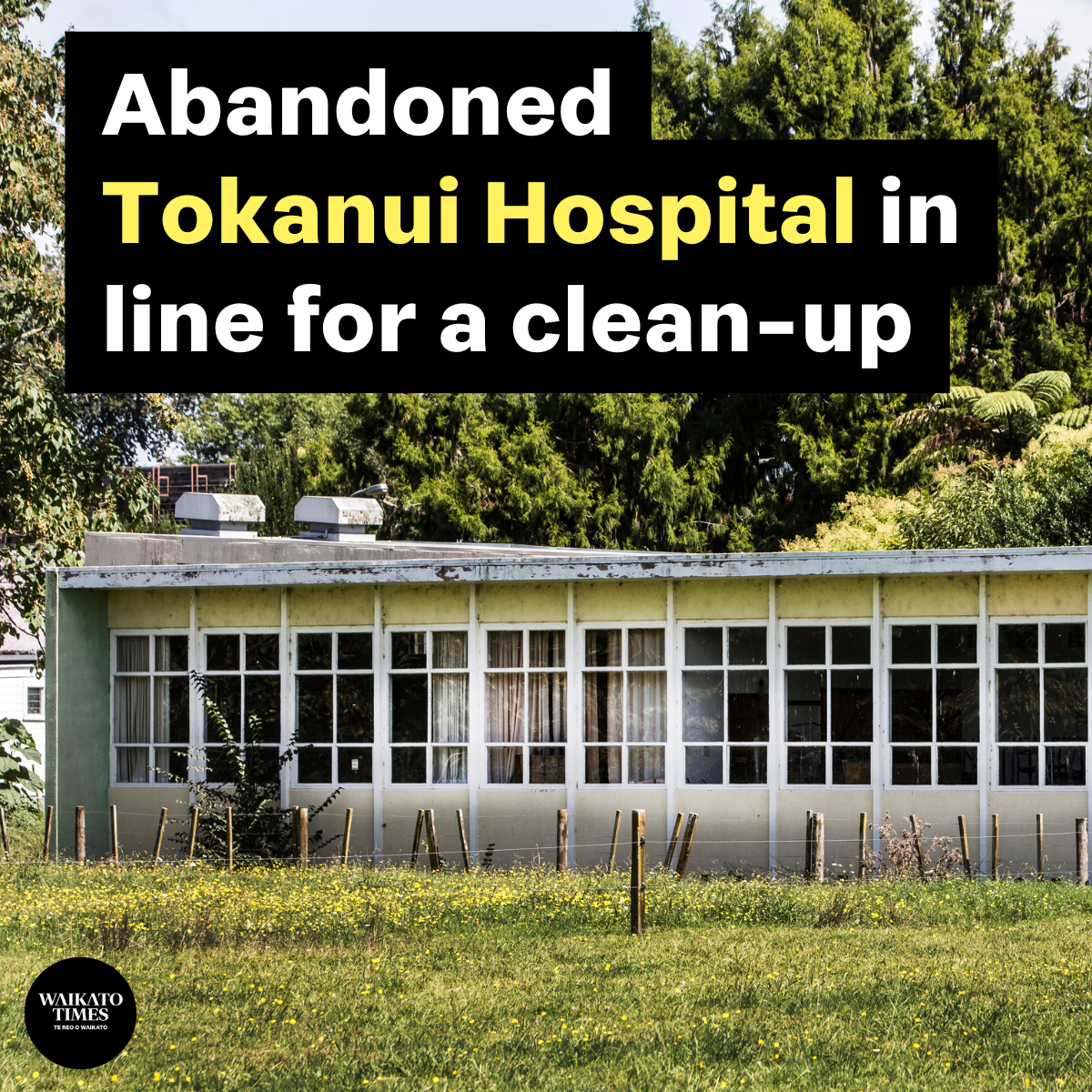
Derelict Tokanui Hospital site in line for a clean-up
Derelict Tokanui Hospital buildings will be demolished and contaminated land cleaned up so the site can be offered back to iwi.
The former psychiatric hospital, southeast of Te Awamutu, sits on land taken from Ngāti Maniapoto under the Public Works Act in 1910.
 Loading…