




Neighbourly 101: Posting an image
Kia ora, neighbours!
When scrolling through the newsfeed what catches your eye? Chances are it's a colourful, striking image filled with all things Neighbourly. They say a picture tells a thousand words, so use your image-ination and show your neighbours. To create an outstanding post, follow these simple steps:
1. At the top of your newsfeed click ‘Post a message, event, poll or urgent alert to neighbours’
2. Add a subject and message
3. Select ‘attach an image or document' and choose an image from your device
4. Choose a category for your message
5. Click Post to share it with your neighbourhood
For more info, click here.


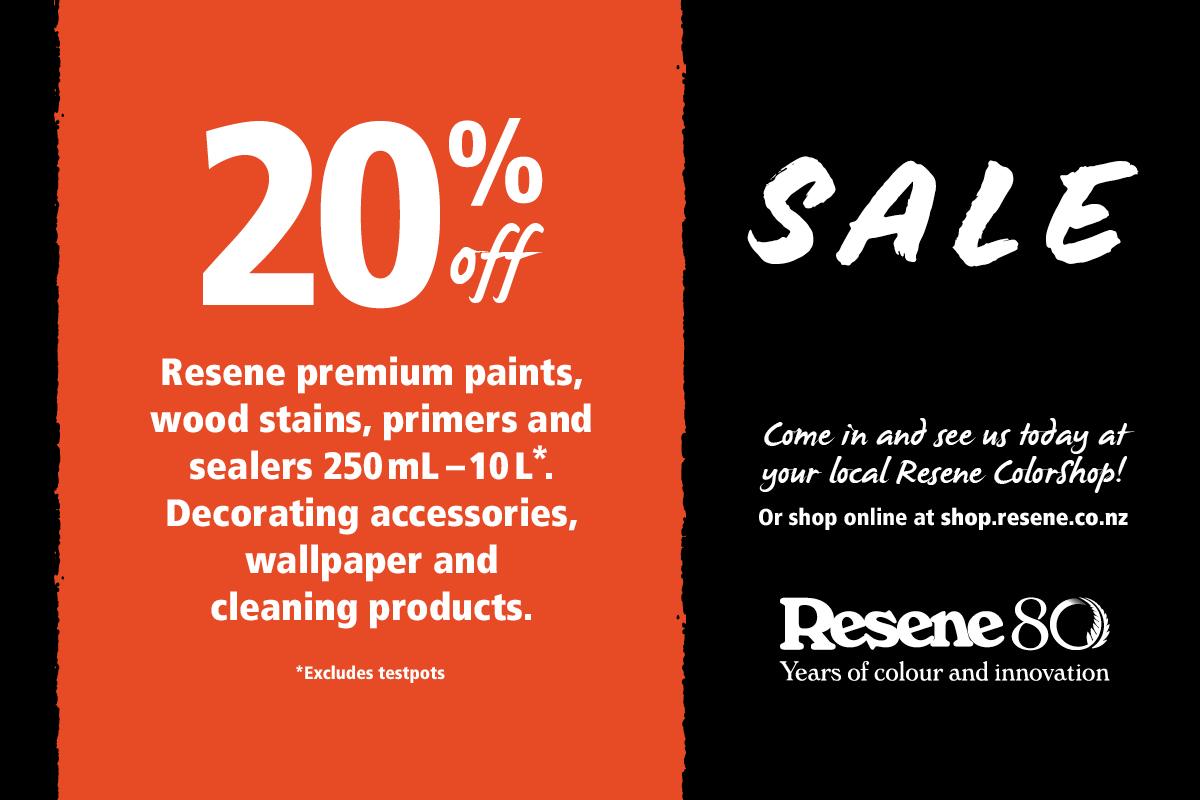
Get decorating with the Resene Sale !
20% off Resene premium paints, wood stains, primers & sealers and 20% off wallpaper and 20% off decorating accessories.
See your Resene Colorshop and bring out the best in your home.
Got more greens than you know what to do with? 🥦🌱🥕
Whether it’s a courgette takeover or a feijoa frenzy, don’t let those garden gems go to waste!
Our suggestion to you: Did you know you can grate and freeze excess courgettes to use in chocolate cake later? It sounds a bit dodgy, but it makes the cake incredibly moist ... and hey, it counts as a serving of veg, right? 🍫
What’s your go-to move for a bumper harvest? Drop your best "glut" recipes or preservation hacks in the comments below! 👇
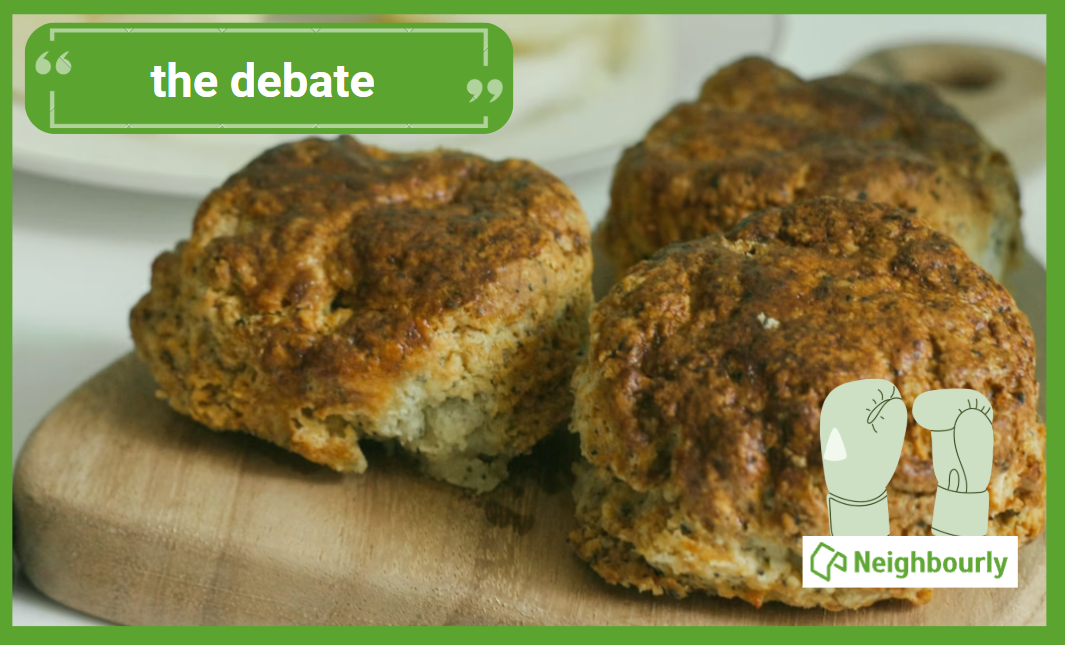
Poll: Does a savoury scone require cheese on top, or folded inside?
Help settle the great kiwi debate ... cheese on top, or folded inside?
-
76.3% Inside!
-
23.7% On top!
 Loading…