





Neighbourly 101: Posting an image
Kia ora, neighbours!
When scrolling through the newsfeed what catches your eye? Chances are it's a colourful, striking image filled with all things Neighbourly. They say a picture tells a thousand words, so use your image-ination and show your neighbours. To create an outstanding post, follow these simple steps:
1. At the top of your newsfeed click ‘Post a message, event, poll or urgent alert to neighbours’
2. Add a subject and message
3. Select ‘attach an image or document' and choose an image from your device
4. Choose a category for your message
5. Click Post to share it with your neighbourhood
For more info, click here.

Poll: How are you feeling about the role of AI in business and everyday life? 🤖💻
The Post reports that nearly two-thirds of business leaders are feeling optimistic about 2026 ... with much of that confidence driven by the rollout of AI.
We want to know: How are you feeling about the growing role of AI in business and everyday life?
-
6.7% Excited
-
71.6% Cautious
-
21.8% Somewhere in between
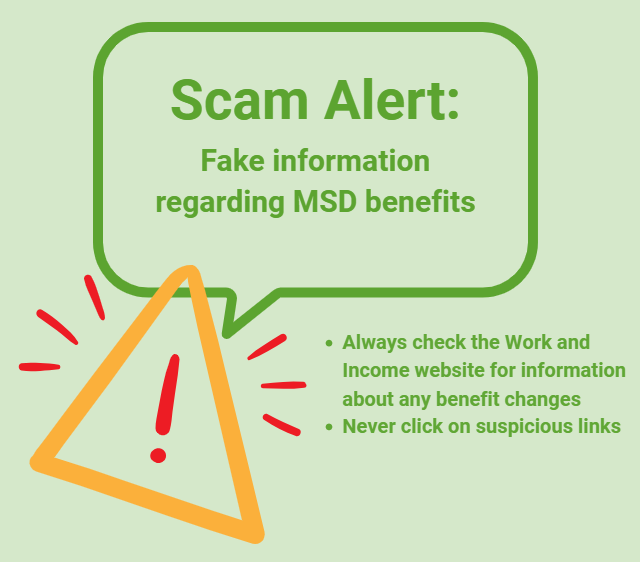
Scam Alert: Fake information regarding December Bonuses from MSD
The Ministry of Social Development is reporting that fake information is circulating about new ‘December bonuses’ or ‘benefit increases’
If you get suspicious communication, please contact Netsafe.

Take a village tour and enjoy a $50 cafe voucher!*
See what everyday life at a Ryman village is really like - from a range of living options to premium amenities on your doorstep.
*Terms and conditions apply.

 Loading…